
You connect ElevenLabs to Claude by adding ElevenLabs' MCP server with one command or one config block, then pasting in an API key. Once it is live, Claude can turn text into audio, clone a voice, or transcribe a file straight from the chat. The free tier gives you 10k credits a month to test, per ElevenLabs' own MCP docs, so the first voice render costs nothing.
The reason a creator bothers: you draft a script in Claude and get a finished voiceover in the same thread, no copy-paste into a separate app. ElevenLabs is the voice side of a creative stack, the way Higgsfield is the video side. The catch most guides bury is that the ElevenLabs MCP runs locally on your machine and needs an API key. It is not a paste-a-URL web connector like the hosted image and video ones. That changes the setup a little, and we walk through both the Claude Desktop and Claude Code paths below.
Fair warning up front: we run Higgsfield through Claude on this site, and the connect rhythm below mirrors that. We have not wired the ElevenLabs MCP ourselves yet, so this guide follows ElevenLabs' published documentation and the official elevenlabs/elevenlabs-mcp repository rather than a hands-on run. Where a detail matters, check ElevenLabs' MCP docs directly. They move fast, and the repo is the source of truth, not a pile of reblogs.
What is the ElevenLabs MCP?
The ElevenLabs MCP is a local server that exposes ElevenLabs' voice tools to Claude (and other MCP clients). MCP, the Model Context Protocol, is the standard Anthropic shipped in late 2024 for wiring external tools into Claude. Once the server is registered, you ask Claude in plain language and it calls the matching ElevenLabs tool, runs the job through your ElevenLabs account, and returns the audio file.
Two things make this connector different from the hosted creative ones. First, it runs on your own machine through a Python package, not a remote URL. Second, it authenticates with an API key you paste once, not a browser OAuth flow. Per the official elevenlabs/elevenlabs-mcp repository, there is no cloud-hosted endpoint for it as of June 2026, so the local install is the only path.
You need two things before you start: an ElevenLabs account with an API key, and uvx (which ships with the uv Python tool) or pip on your machine. ElevenLabs lists a free tier with 10k credits per month, which is enough to render a few minutes of audio and decide whether the quality clears your bar.
What can the ElevenLabs MCP do?
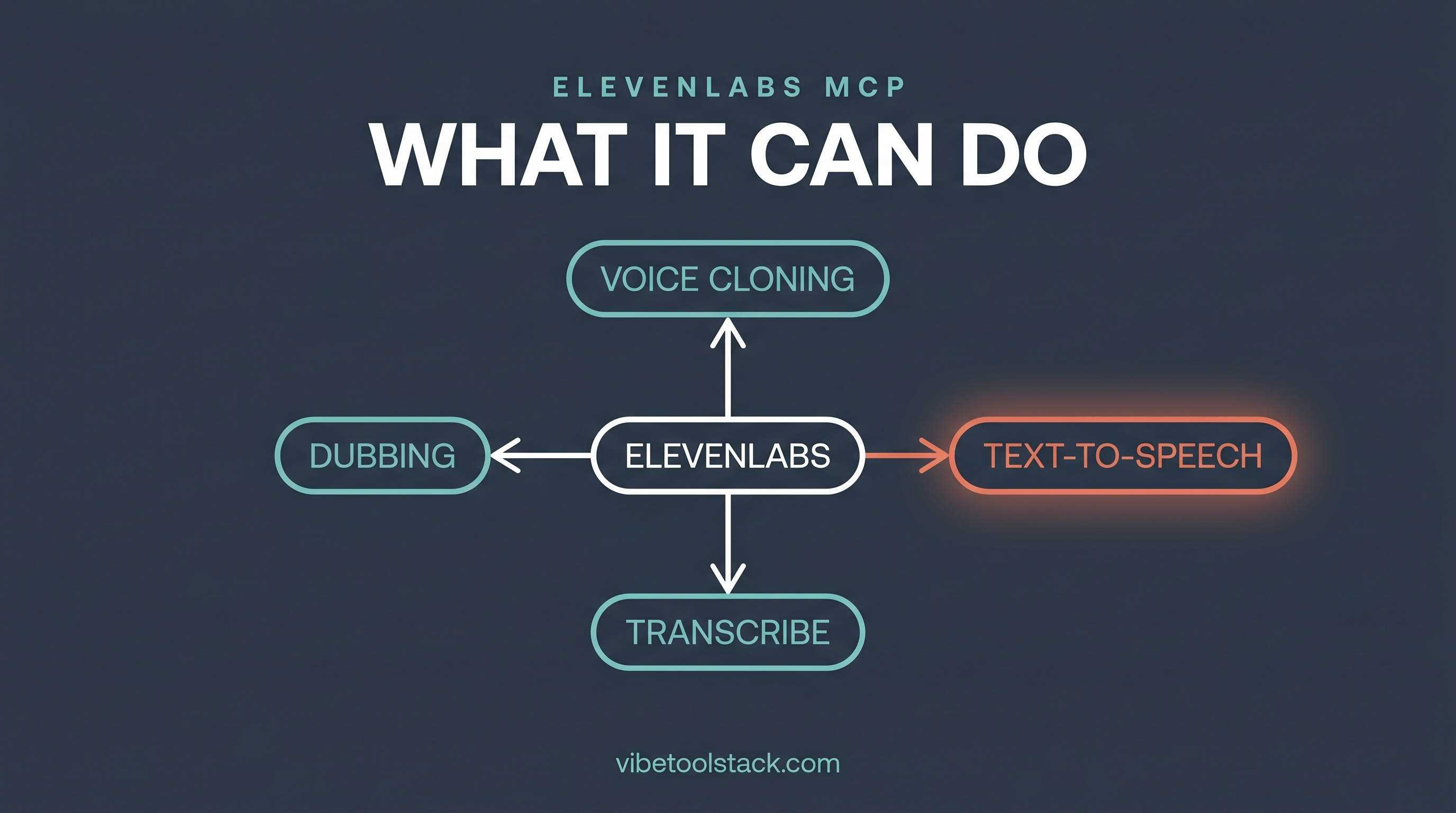
The ElevenLabs MCP exposes ElevenLabs' core audio tools, so you can do most of what the web studio does from inside Claude. Per the elevenlabs/elevenlabs-mcp repository, the server covers:
Text to speech, the main job: turn a script into spoken audio in a chosen voice.
Voice cloning, so a render can sound like a specific speaker from a sample.
Voice design, generating new synthetic voices with multiple variations.
Audio isolation, stripping background noise from a clip.
Transcription, turning audio back into text.
ElevenLabs also runs a conversational voice-agent platform for low-latency two-way speech. That is a separate product surface from this MCP server, and live agents sit outside what a quick connect guide can prove. If real-time agents are your use case, treat that as its own track and check ElevenLabs' agent docs. For a creator who wants narration and voiceovers, text to speech and voice cloning are the two tools you will actually reach for.
Connect ElevenLabs to Claude Desktop
This is a one-time setup that edits Claude Desktop's config file. The steps below follow ElevenLabs' documented config, per the elevenlabs/elevenlabs-mcp repository.
1. Grab your API key from your ElevenLabs account settings. Keep it handy, you paste it in step 4.
2. Open Claude Desktop, go to Settings, then Developer, then Edit Config. That opens claude_desktop_config.json in your editor.
3. Add the ElevenLabs server to the mcpServers block:
{
  "mcpServers": {
    "ElevenLabs": {
      "command": "uvx",
      "args": ["elevenlabs-mcp"],
      "env": {
        "ELEVENLABS_API_KEY": "your-api-key-here"
      }
    }
  }
}
4. Replace your-api-key-here with your real key, save the file, and fully restart Claude Desktop.
5. ElevenLabs' tools now show up in Claude. The uvx command pulls and runs the elevenlabs-mcp package for you, so there is nothing else to install if you already have uv.
If you have wired a connector into Claude before, the shape is familiar. The difference from the hosted image and video connectors is that you are editing a config file and supplying a key, not pasting a URL into a Connectors panel.
Connect ElevenLabs in Claude Code
Claude Code does it in one command. You still supply the API key, since the server is local. The command registers the same uvx-run package:
claude mcp add ElevenLabs --env ELEVENLABS_API_KEY=your-api-key-here -- uvx elevenlabs-mcpSwap in your real key, run it, then confirm it registered:
claude mcp listIf you would rather not use uvx, the package installs through pip as well, per the repository:
pip install elevenlabs-mcpThe repo also documents optional environment variables, including one that sets where rendered audio files land (it defaults to your Desktop) and one that controls whether output comes back as files, inline resources, or both. You can ignore those to start and revisit them once you know your workflow. Check ElevenLabs' MCP docs for the current variable names before you customize.
Render your first voiceover
Connected. Now prove it works. The cleanest first test is a short text-to-speech render, because it touches the API, spends a few credits, and hands you a file you can play. Ask Claude in plain language:
Use ElevenLabs to read this line aloud in a calm, clear voice and save the audio: "This is a test render from Claude. If you can hear this, the connection works."Claude routes the request to the ElevenLabs text-to-speech tool, runs it through your account, and drops the audio file where the server is configured to save it (your Desktop by default). Play it. If it sounds like a real voice and not a robot, you are connected and the workflow is live.
From here the script-to-audio loop is the whole point: draft or paste a script in Claude, refine the wording in the same chat, then render it without leaving the thread. For the full voiceover workflow, voice selection, and the use cases worth building around it, we go deeper at /blog/create-voiceovers-claude-elevenlabs. For the tool itself, our review sits at /tools/elevenlabs.
How do ElevenLabs credits work?
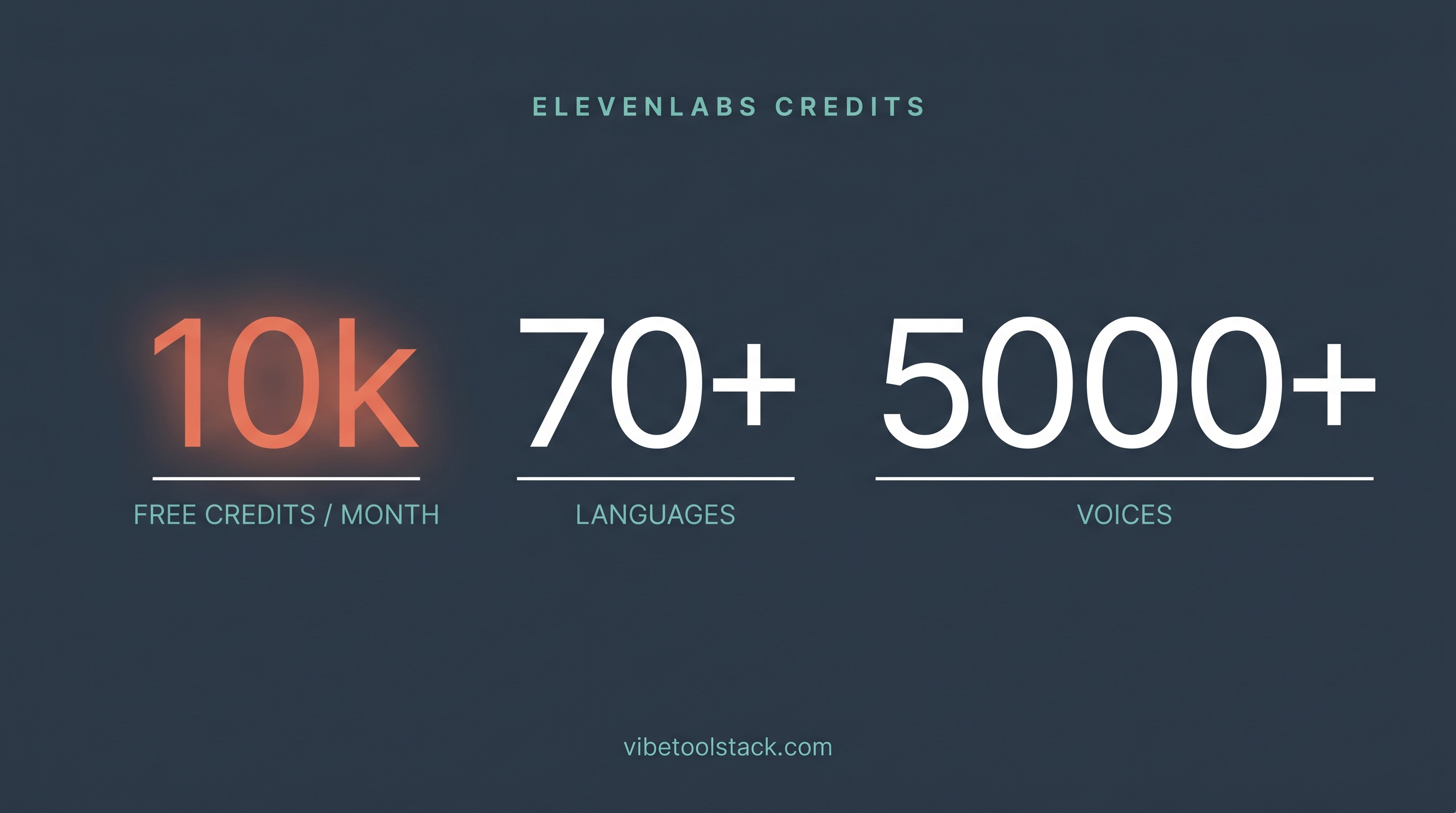
ElevenLabs runs on a credit system, and every render spends credits based on the characters you convert to audio. Per ElevenLabs' MCP docs, the free tier includes 10k credits per month, which is enough for short tests and a handful of brief renders before you decide to pay. The same account balance powers both the web studio and your Claude renders, so you are not buying separate MCP credits.
The thing to watch is that character-based pricing rewards short, deliberate output and punishes long-form iteration. A one-line test costs almost nothing. Re-rendering a ten-minute script five times to tweak phrasing burns credits fast. For published pricing tiers above the free plan, check elevenlabs.io directly, since the numbers move and a connect guide is the wrong place to pin them.
A cheap habit: keep test renders short until the voice and settings are dialed in, then render the full script once. That is the difference between a free-tier month and an upgrade you did not need yet.
Where ElevenLabs fits among the creative connectors
Reach for ElevenLabs when the job is audio: narration, voiceovers, newsletter audio versions, or language-localized renders. It is the voice specialist of the creative connectors, the same way Higgsfield is the video specialist and the image connectors handle stills. None of the visual connectors generate speech, so if your project needs a spoken track, ElevenLabs is the one that does it.
The trade-off versus the hosted connectors is the setup. ElevenLabs asks for an API key and a local install, where a hosted image or video connector is a URL paste and a browser sign-in. We have run Higgsfield hands-on, and its connect is the lighter one. ElevenLabs has the extra steps but owns the audio category outright. Our Higgsfield review at /tools/higgsfield shows that comparable flow.
For the full landscape of every creative connector worth wiring into Claude, ranked by creator fit, see our hub at /blog/best-claude-creative-connectors. It places ElevenLabs, Higgsfield, and the rest side by side.
The bottom line
ElevenLabs is the connector to add when you want Claude to hand you finished audio. The setup is heavier than the hosted creative connectors, an API key plus a local install through uvx or pip, but it is a one-time edit to a config file or a single Claude Code command. After that, you draft a script and render the voiceover in the same chat. The free tier (10k credits a month, per ElevenLabs) lets you test the whole loop for nothing.
Skip the API-key path only if you are not comfortable editing a config file at all, in which case a hosted URL-paste connector is gentler to start. But for voice, ElevenLabs is the category benchmark and the connector that closes the audio gap in a Claude creative stack. Follow ElevenLabs' MCP docs and the elevenlabs/elevenlabs-mcp repository for the canonical setup, and use the steps above to get live.
Vibetoolstack reviews tools we'd recommend to readers building toward $10k/mo of independent income. Where an affiliate program exists and we participate, the link is marked. Where not, links are editorial. The verdict above doesn't depend on affiliate status.