
You connect Meta Ads to Claude by adding Meta's official Ads connector as a custom connector in Claude, signing in with your Facebook account, and choosing which ad accounts it can reach. Once it is live, Claude can read your campaign performance, spend, and product catalogs in plain language. Meta shipped these AI Connectors on April 29, 2026, and the connector is free during the beta. There is one thing to settle before you wire it up: this is access to a live ad budget, so the first action you run should be read-only.
The reason a marketer bothers: you stop exporting CSVs and pasting them into a chat. You ask Claude "which campaigns lost ROAS this week" and it pulls the numbers straight from your account. The catch most setup posts skip is the part that matters most. The same connector that reads your reports can also change budgets and create campaigns, depending on the permissions you grant. That is the spend-safety question, and we treat it as its own section rather than a footnote.
Up front: we have not run this connector against a live ad account on this site. The steps below follow Meta's official connector documentation and Jon Loomer's breakdown, "Meta Ads AI Connectors and Claude: Setup, Uses, and Risks," rather than a hands-on test of our own. Where a detail matters, especially the permission scopes, check Meta's own connector page directly. This is new (live since late April 2026) and the safer numbers move.
What is the Meta Ads connector for Claude?
The Meta Ads connector is Meta's official MCP server that exposes your ad account to Claude over a hosted remote connection. MCP, the Model Context Protocol, is the standard Anthropic shipped in late 2024 for wiring outside tools into Claude. Meta added official support for it on April 29, 2026, so unlike most community MCPs, this one is run by Meta and authenticates directly between you and Facebook. No developer app, no manual API token.
The endpoint is a single hosted URL you paste into Claude as a custom connector:
https://mcp.facebook.com/adsYou do not need a paid Claude plan to start. Custom connectors are available on Claude's free plan, with the limit that free users can keep one custom connector active at a time, per Meta's connector docs as of June 2026. The connector is free during Meta's beta, and Meta has not announced post-beta pricing. Access rolls out gradually, so not every ad account can add it yet.
Because Meta runs the OAuth itself, the connector inherits Meta's ad-account permission model. The scopes in play are ads_read for pulling reports, ads_management for making changes, and business_management for assets. That distinction (read versus manage) is the whole game for keeping your spend safe, and we come back to it below.
How to connect Meta Ads to Claude
Connecting is a custom-connector setup plus a Facebook sign-in. The steps follow Meta's official connector flow, per Meta's documentation and Jon Loomer's setup walkthrough.
1. Copy the connector URL: https://mcp.facebook.com/ads
2. In Claude, open Settings, then Connectors (Claude web) or the Connectors area under Settings (Claude desktop). Choose to add a custom connector.
3. Paste the URL into the remote connector field and confirm.
4. Claude hands you to Facebook to sign in. Complete the OAuth login, then pick which ad accounts and Pages the connector is allowed to reach. Grant the narrowest set you can.
5. Back in Claude, the Meta tools are now available. Run a read-only query to confirm it works before you do anything else.
One thing Jon Loomer calls out and Meta's flow does not fully solve: the account-selection step is coarse. You authorize through your Facebook identity, and the granularity of which accounts get exposed is limited. If you manage client accounts, that matters. Authorize from an identity that only sees the accounts you intend to connect.
Run your first read-only report
Connected. Now prove it works without touching a single budget. The right first action is a pure read, because it confirms the OAuth and the data path while spending nothing and changing nothing. Ask Claude in plain language:
Using the Meta Ads connector, list my ad accounts, then for the active one show campaigns from the last 7 days with spend, ROAS, and CPA. Read only. Do not change anything.Claude calls Meta's reporting tools, pulls the numbers from your account, and hands back a table. If you see your real campaigns and live spend figures, the connector works. Notice what you just did: you got a campaign report without leaving the chat and without granting any write access in practice. That read-only loop is where most of the day-one value sits.
From here the reporting workflow is the safe core: ask for week-over-week ROAS shifts, flag campaigns where CPA crept up, or summarize which product sets in your catalog have feed errors. Jon Loomer's example is exactly this kind of read, asking Claude to surface catalog items with visibility issues and explain the cause. Nothing in that loop spends money.
What can the Meta Ads connector do?
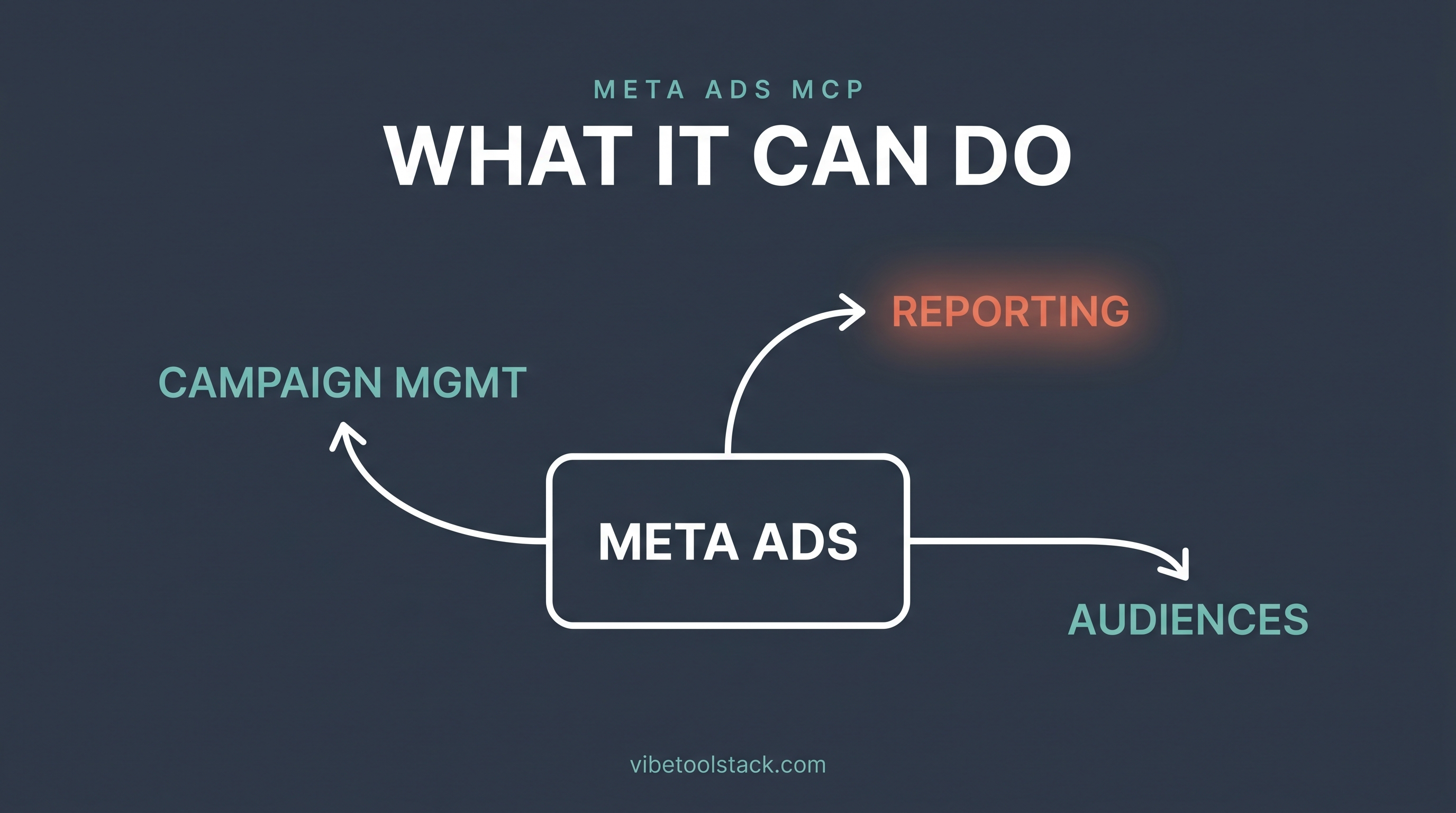
Meta's connector exposes around 29 tools that go well past reporting, which is precisely why the permission question matters. Grouped by what they touch, the tools cover:
Insights and performance: benchmarks, anomaly detection, trend reads, and performance pulls across campaigns and ad sets. This is the read-only half and the safest place to live.
Campaign management: creating and updating campaigns, ad sets, and ads, and changing budgets. This is live write access to your account and your spend.
Product catalogs: creating catalogs, auditing feeds, diagnosing errors, and managing product sets, which is the bulk of the toolset.
Accounts, assets, and diagnostics: looking up accounts, entities, and Pages, plus dataset quality and event diagnostics.
According to coverage of the launch, campaigns the connector creates start paused, which is a sensible default since a paused campaign cannot quietly burn budget before you review it. Treat that as a backstop, not a substitute for your own guardrails. The line that splits this list into safe and risky is the permission you granted: ads_read keeps Claude to the first group, while ads_management opens the rest.
What is the spend-safety risk of letting Claude touch Meta Ads?
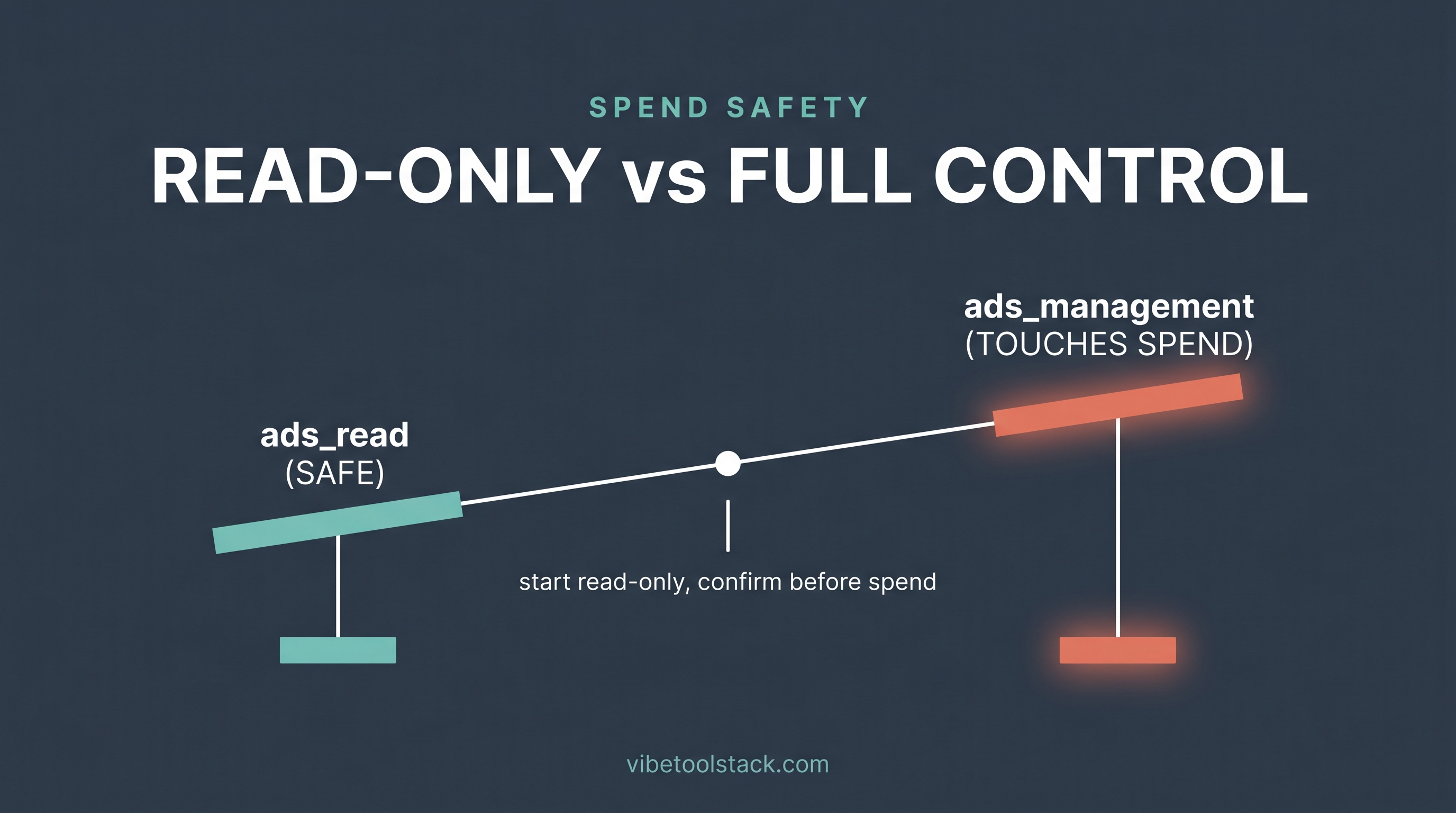
The real risk is that you give Claude write access to a live budget and a vague prompt does something you did not intend. This is the part Jon Loomer is most direct about, and it is the reason a Meta Ads connector is not the same kind of low-stakes wiring as connecting a notes app. A misread instruction against ads_management can raise a budget, unpause a campaign, or edit an ad set, and the model does not feel the cost the way you do.
Jon Loomer names a second, less obvious risk: connecting AI tools to a Meta ad account can draw the wrong kind of attention from Meta. Advertisers have reported unexplained account actions tied to unapproved or aggressive automation. Meta running the connector officially lowers that risk versus a random community MCP, but aggressive automated changes are still the behavior pattern that gets accounts flagged. Slow and reviewed beats fast and automated here.
The guardrails that actually help, in order: grant ads_read only until you trust the workflow, so Claude literally cannot change anything. Set account-level budget caps in Meta as a hard ceiling the connector cannot cross. Add "read only, do not change anything" to prompts that are meant to be reports. And when you do allow changes, require Claude to state the exact change and wait for your confirm before it runs. Confirm-first is not optional comfort, it is the difference between a tool and an unsupervised spender.
If you manage ad spend for clients, the calculus is stricter. The coarse account-selection step means a client's account can end up exposed alongside your own, and a client did not consent to an AI touching their budget. For client work, keep the connector to read-only reporting or skip it until the account scoping tightens.
The bottom line
The Meta Ads connector is worth adding the moment you want campaign reports inside Claude instead of inside a spreadsheet. Setup is a custom-connector paste of https://mcp.facebook.com/ads plus a Facebook sign-in, it is free during Meta's beta, and you can start on Claude's free plan. The first action should always be a read, and for most marketers the read-only reporting loop is where the value lives.
Where it stops being a casual connect is write access. The same tool that reads ROAS can raise a budget, so grant ads_read until you trust it, set budget caps in Meta, and require a confirm before any change. Skip the write permissions entirely on client accounts until the scoping is tighter. Used read-first, it is the strongest reporting connector in a marketing stack. Used carelessly with ads_management, it is a fast way to spend money you did not mean to. Follow Meta's official connector docs and Jon Loomer's "Meta Ads AI Connectors and Claude" writeup for the canonical setup, and use the steps above to get live safely.
For the full set of MCP connectors worth wiring into Claude for marketing work, ranked by what they do for a real business, see our hub at /blog/best-claude-mcps-for-marketers. The creative side of the stack (voice, image, and video connectors) sits in its sibling guide at /blog/best-claude-creative-connectors. And if you are pairing ad reporting with organic growth, our explainer on what AI SEO is, at /blog/what-is-ai-seo, covers the other half of the funnel.
Vibetoolstack reviews tools we'd recommend to readers building toward $10k/mo of independent income. Where an affiliate program exists and we participate, the link is marked. Where not, links are editorial. The verdict above doesn't depend on affiliate status.