
Runway MCP is a connector that lets Claude generate Runway videos and images for you from a normal chat, no API key and no code. You add one URL to Claude, sign in with your Runway account, and from then on you can ask Claude to make a clip in plain language and it calls Runway in the background.
Most guides for this point at the developer path: the Runway API, batch scripts, the Claude Code skills package. That is the wrong starting point if you are a creator who just wants a clip. This walkthrough is the simple version. Connect Runway to Claude, then generate your first video, with every step sourced to Runway's own pages because we have documented the equivalent flow on another connector but have not run Runway through Claude ourselves yet.
If you want the wider map first, this is one connector in the best Claude creative connectors lineup. Runway is the video-heavy pick.
What is Runway MCP?
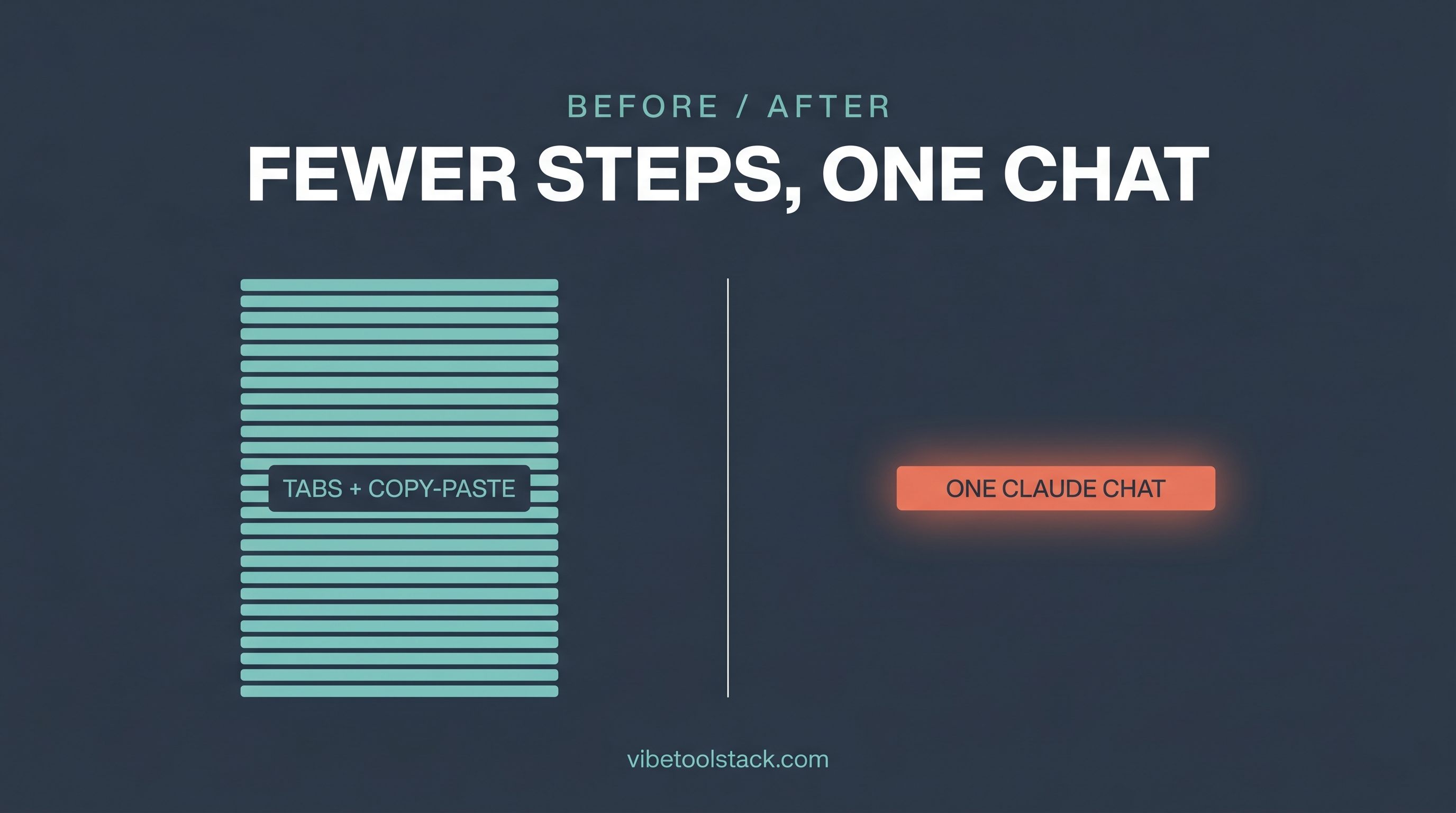
Runway MCP is Runway's official Model Context Protocol server: a single URL you paste into an MCP-capable app so that app can call Runway's generation models for you. Per Runway's own MCP page, it works with Claude.ai, Claude Desktop, ChatGPT, Cursor, Replit, and other apps that support MCP. The server URL is https://mcp.runwayml.com/mcp.
There is no separate API key to manage. Runway states you add the MCP URL to your agent settings and then sign in with your Runway account, and generations run against your existing Runway plan. So if you already pay for Runway, you are not paying twice. Same credits, new front door.
Runway exposes more than its own models through the connector. As of June 2026, Runway's MCP page lists Seedance 2.0, Kling, Gen-4.5, Veo, GPT Image 2, Nano Banana Pro, and more, available based on your Runway account plan. So the connector is a router into several model families, not just Runway Gen.
How do you connect Runway to Claude?
You connect Runway to Claude by adding its MCP URL as a custom connector in Claude's settings, then signing in with your Runway account. The full path, quoting Runway's instructions:
The web and desktop path (Connectors)
In Claude.ai or the Claude Desktop app, open Customize in the sidebar and choose Connectors.
Add a custom connector. Name it Runway and paste the link: https://mcp.runwayml.com/mcp
Click Add, then Connect, and sign in with your Runway account when the window opens.
That is the whole setup. Once it shows as connected, Claude can call Runway from any chat. The first time you ask for a generation, Claude will usually ask permission to use the Runway tool. Allow it.
The Claude Code path
For Claude Code specifically, Runway publishes a Claude Code skills package on GitHub aimed at programmatic, batch generation through the Runway API. That is the developer route, and it is a different thing from the no-key chat connector above: it is built for running many generations at scale, not for a one-off clip. Runway's public MCP instructions cover the Connectors flow for Claude.ai and Claude Desktop and do not document a separate one-line install command for the conversational connector, so for the exact Claude Code setup, check Runway's MCP page and the skills repo rather than copying a command from a third-party blog.
For almost everyone reading this, the Connectors path is the one you want. The skills package matters only if you are scripting hundreds of renders.
How does this compare to the Higgsfield connector?
The flow is nearly identical to the Higgsfield connector we documented, which is the one connector we have actually run through Claude. Both are paste-a-URL custom connectors, both sign in with your existing vendor account, and both bill against your existing plan rather than a new one.
The practical difference is the model menu and the starting point. Higgsfield video is image-to-video only: you make or upload a start frame first, then animate it. Runway leans the same way for its video workflows, and Runway's MCP page shows image-to-video use cases like turning a product image into an ad, but Runway also routes to several model families through the one connector. So with Higgsfield you mostly think in start-frames, while with Runway you also pick which model fits the shot.
If you want a fully worked, first-party example of the image-to-video chat flow, our create videos with Claude and Higgsfield guide walks three real clips end to end. The Claude side of the Runway flow behaves the same way: you describe the shot, Claude calls the model, the clip comes back.
Generating your first clip and what to expect
After Runway shows as connected, your first generation is one sentence in chat. Ask Claude for the clip you want and let it call Runway. Something like: "Use Runway to turn this product photo into a 5-second clip with a slow push-in." Attach the image, send it, approve the tool call.
Expect a short wait while Runway renders, then a link back in the chat. Per Runway, generated assets live at a hosted link that expires after 24 hours, so download anything you want to keep right away. Treat the chat link as a preview, not storage.
A few realistic expectations on the first run. Video models lean image-to-video, so have a start image ready rather than expecting a clip from a bare text prompt. Keep the first clip short to see how it looks before you spend more. And because Claude can route to several models, you can name the model in your prompt if you have a preference, or let Claude pick and adjust from there.
Which models, limits, and credits apply?
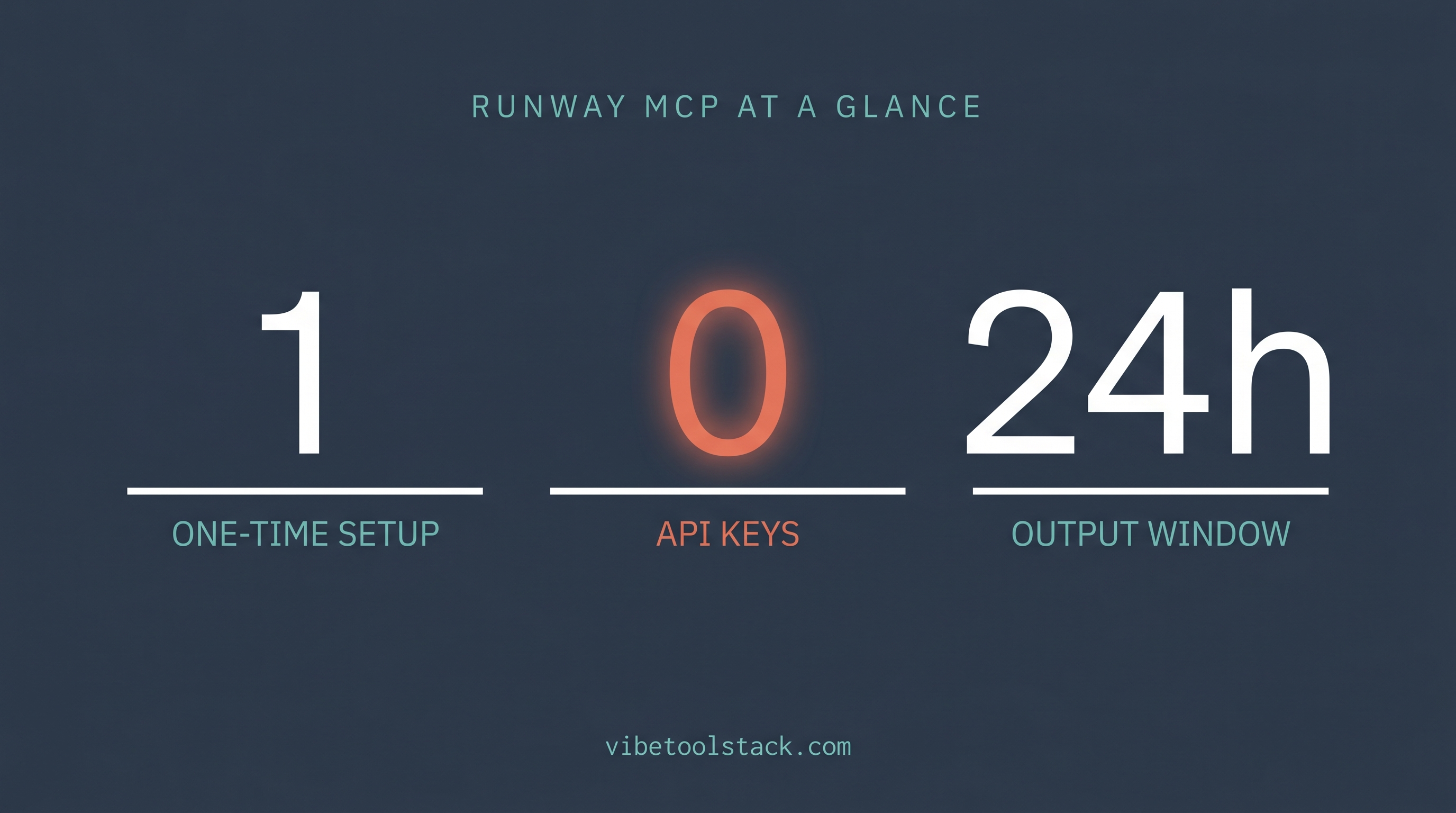
Runway MCP bills to your existing Runway credits at the same rates as the Runway app, per Runway's MCP page. There is no separate MCP price and no API key. What a generation costs depends on the model, the resolution, and the settings, exactly as it would inside Runway directly.
Here is the connector at a glance, as of June 2026, from Runway's own pages:
The exact model list shifts as Runway adds models and as your plan changes which ones you can reach, so treat the row above as the June 2026 snapshot and check Runway's MCP page for the current lineup.
Troubleshooting the connection
If Claude does not show Runway as a connector, you are usually in the wrong panel. The setting lives under Customize, then Connectors, in both Claude.ai and Claude Desktop. Add it as a custom connector with the URL above rather than searching a directory.
If a generation fails with a permission or account error, the sign-in step did not complete. Reconnect from Customize, then Connectors, and finish the Runway login window so the connector is tied to an account that actually has credits.
If a clip comes back but the link is dead later, that is the 24-hour expiry, not a bug. Download outputs when they land. And if a generation costs more than you expected, it is the model and resolution doing it: drop to a shorter, lower-resolution first pass, then scale up once the look is right.
If you hit a step the official instructions do not cover, especially anything Claude Code specific, check Runway's MCP page directly rather than trusting a command from a third-party tutorial. The connector is new enough that some write-ups already cite URLs and commands that do not match Runway's docs.
The bottom line
Runway MCP turns Claude into a front end for Runway video. Paste https://mcp.runwayml.com/mcp into Customize, then Connectors, sign in with your Runway account, and generate from chat against your existing credits with no API key. It fits creators who already use Runway and want to drive it from a conversation instead of juggling tabs.
Reach for the developer route, the Runway API and the Claude Code skills package, only if you are batch-generating at scale. For a first clip, the Connectors flow is the whole story. Have a start image ready, keep the first render short, and download before the 24-hour link expires.
Next read: the best Claude creative connectors hub to see where Runway sits against the rest, and the Higgsfield review for the one connector we have run hands-on.
Vibetoolstack reviews tools we'd recommend to readers building toward $10k/mo of independent income. Where an affiliate program exists and we participate, the link is marked. Where not, links are editorial. The verdict above doesn't depend on affiliate status.