
You connect Smartlead to Claude by adding Smartlead's MCP server to your Claude config and pasting in a Smartlead API key. Once it is live, Claude can pull campaign stats, check who replied, and read lead activity straight from the chat, no dashboard tab. Per Smartlead's help center, the connection is hosted over SSE and authenticates with the API key from your account settings, so there is no separate browser sign-in.
The reason a cold-email operator bothers: you ask "which campaign is underperforming this week" in plain language and Claude reads it from Smartlead and answers, instead of you clicking through reports. Smartlead is the sending engine; the connector turns Claude into the read layer on top of it. The one thing most guides skip is that Smartlead's setup goes through a config file and an API key, and that it documents Claude Desktop as the supported client for now. We walk both the config and the Claude Code style of that setup below.
Fair warning up front: we have not wired the Smartlead MCP ourselves yet, so this guide follows Smartlead's published documentation, the help center article on the Smartlead MCP Server and the setup guide on smartlead.ai, rather than a hands-on run. Where a detail matters, like the exact command or the current tool count, check Smartlead's MCP docs directly. The hosted setup can change, and Smartlead's own pages are the source of truth, not a pile of reblogs.
What is the Smartlead MCP?
The Smartlead MCP is a server that exposes your Smartlead cold-email data to Claude over the Model Context Protocol. MCP is the standard Anthropic shipped in late 2024 for wiring external tools into Claude. Once the server is registered, you ask Claude in plain language and it calls the matching Smartlead tool, reads from your account, and answers with live campaign and lead data.
Per Smartlead's help center, the connector is hosted and runs over SSE, so the documented Claude path points an mcp-remote bridge at Smartlead's endpoint with your API key attached. It is not the local Python-package style of some connectors. It authenticates with a Smartlead API key you paste once, not an OAuth browser flow.
You need two things before you start: a Smartlead account with an API key, and Node.js installed so npx can run the bridge. Smartlead documents the MCP as a feature of a paid account and notes that Claude Desktop is the supported client for now. If you are evaluating Smartlead as a platform first, our review sits at /tools/smartlead, and the broader category is covered in /blog/what-is-cold-email-automation.
What can the Smartlead MCP do?
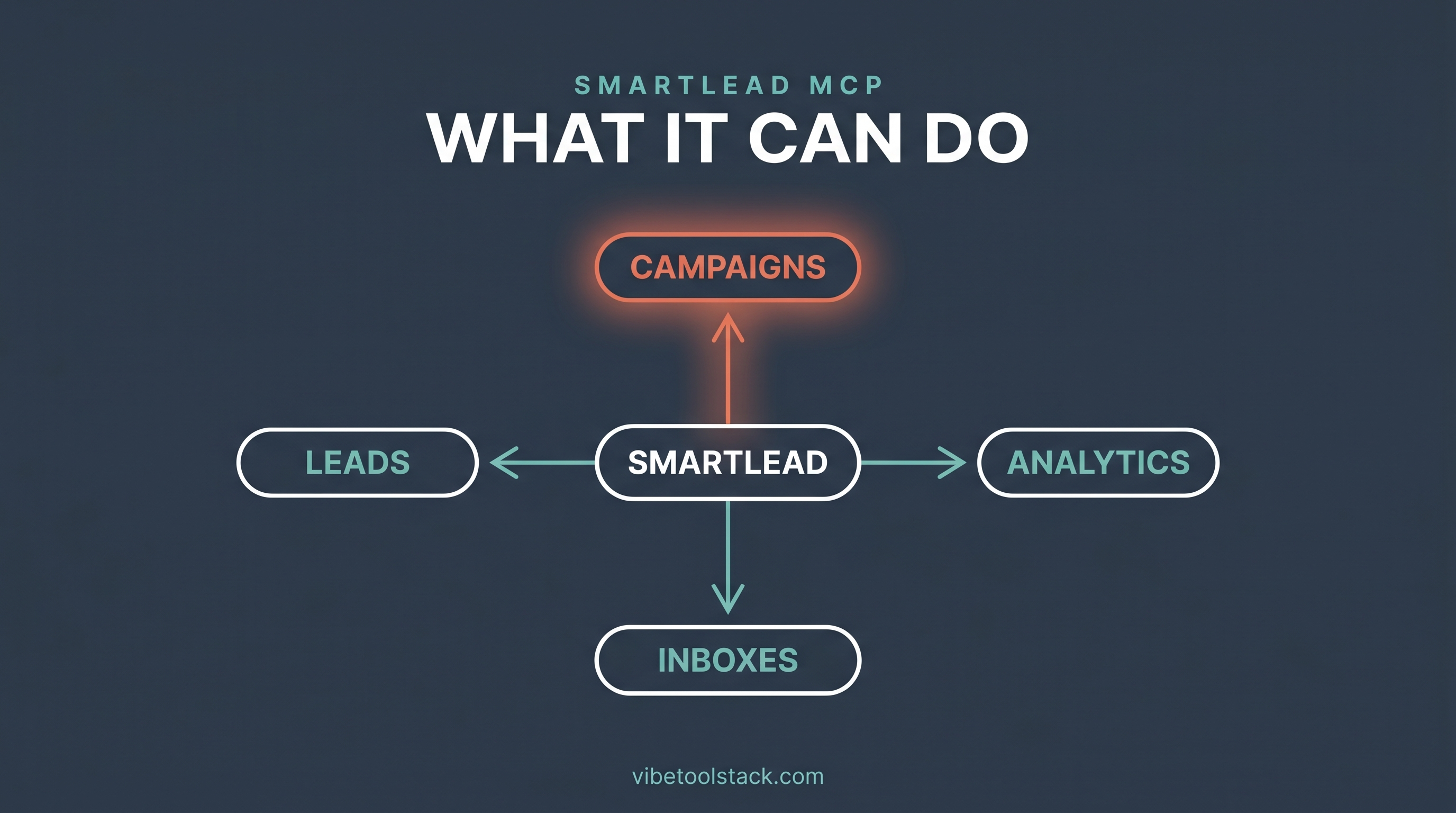
The Smartlead MCP gives Claude read access to the parts of your account you would otherwise click through: campaigns, leads, analytics, sending accounts, and deliverability. Per Smartlead's help center, the server lets Claude fetch stats, diagnose campaigns, and access leads in real time without dashboard access. Here is the shape of what you can ask:
| Area | What you can ask Claude to do |
|---|---|
| Campaigns | Pull campaign status, open and reply rates, and step-level stats for a sequence. |
| Leads | Look up lead lists, check who replied, and read activity on a contact. |
| Analytics | Summarize performance across campaigns and surface which sequences are working. |
| Sending accounts | Check connected inboxes and account health without opening the dashboard. |
| Deliverability | Read deliverability signals so you can diagnose a campaign that stalled. |
On the tool count, sources disagree, so do not anchor to one number. The mcpbundles listing describes the Smartlead skill as around 33 tools, while community repositories on GitHub package 113 or more. Smartlead's own docs describe the access by area (campaigns, sending accounts, leads, deliverability, analytics) rather than a headline count. For the current, canonical list, check Smartlead's MCP docs, since the hosted server can add tools without a guide noticing.
For a first pass, the useful mental model is simple: it is a read-and-report layer. You drive the actual sending from Smartlead; Claude becomes the fast way to ask questions of the data and spot the campaign that is quietly dying.
Connect Smartlead to Claude Desktop
This is a one-time setup that edits Claude Desktop's config file. The steps follow Smartlead's documented config, per the help center article and the smartlead.ai setup guide.
1. In Smartlead, go to Settings, then API Keys, and copy your key. Generate one first if you do not have it. Keep it handy, you paste it in step 4.
2. Open Claude Desktop, go to Settings, then Developer, then Edit Config. That opens claude_desktop_config.json in your editor. On Mac it lives at ~/Library/Application Support/Claude/, on Windows under %APPDATA%\Claude\.
3. Add the Smartlead server to the mcpServers block. Smartlead's documented path uses an mcp-remote bridge to its hosted SSE endpoint:
{
  "mcpServers": {
    "smartlead": {
      "command": "npx",
      "args": [
        "-y",
        "mcp-remote",
        "https://mcp.smartlead.ai/sse?user_api_key=your-api-key-here"
      ]
    }
  }
}
4. Replace your-api-key-here with your real Smartlead key, save the file, and fully restart Claude Desktop.
5. Open a new chat and confirm the Smartlead tools are available. Smartlead's docs note the integration runs over SSE for now and that you may need to enable the Smartlead tools in Claude's integration settings before they appear.
If you have wired any MCP into Claude before, the shape is familiar: a server entry, a command, and a key. The one Smartlead-specific detail is the hosted SSE endpoint reached through mcp-remote, so the bridge does the talking rather than a package running fully on your machine.
Connect Smartlead in Claude Code
Claude Code registers the same hosted server from the command line. You still supply the Smartlead API key, since the endpoint authenticates per user. The command points the mcp-remote bridge at Smartlead's SSE endpoint:
claude mcp add smartlead -- npx -y mcp-remote "https://mcp.smartlead.ai/sse?user_api_key=your-api-key-here"Swap in your real key, run it, then confirm it registered:
claude mcp listSmartlead documents Claude Desktop as the supported client for now, so the Claude Code route follows the same hosted SSE pattern rather than a separate transport. If the command shape has moved by the time you read this, the help center article on the Smartlead MCP Server carries the current one. Check Smartlead's MCP docs before you customize.
Run your first cold-email action
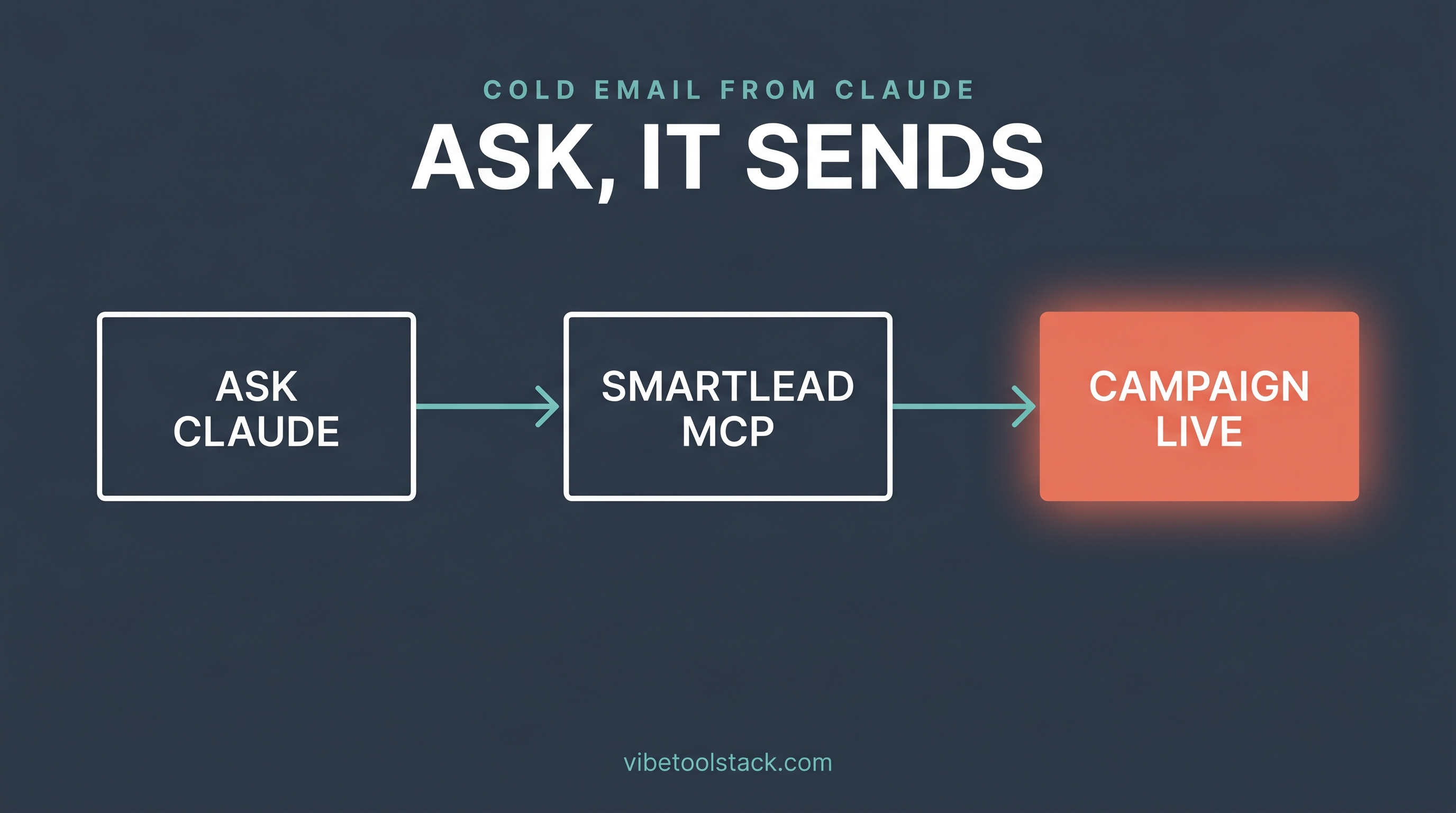
Connected. Now prove it works. The cleanest first test is a read, because it touches your real account, needs no campaign changes, and hands back something you can verify against the dashboard. Ask Claude in plain language:
Use Smartlead to list my active campaigns and show the reply rate for each one over the last 14 days.Claude routes the request to the matching Smartlead tool, reads from your account, and answers with the live numbers. Cross-check one figure against the Smartlead dashboard the first time, so you trust the connection before you lean on it. Once that lands, the questions get more useful: ask which sending accounts are flagging on deliverability, or which campaign's open rate dropped this week and which step it dropped at.
That is the whole point of the connector: the daily "how is outreach doing" check stops being a dashboard crawl and becomes one question in a chat you are already in. For where this sits in the wider toolkit, our roundup of marketing connectors is at /blog/best-claude-mcps-for-marketers.
What does the Smartlead MCP cost?
The Smartlead MCP is a feature of a paid Smartlead account, not a separate purchase, per Smartlead's documentation. It reads from the account you already pay for, so there are no separate MCP credits to buy. The cost that matters is your Smartlead plan, and that is driven by sending volume and connected inboxes, not by MCP usage.
One limit to keep in mind: the connector reads through Smartlead's API, which is rate-limited like any API. A run of rapid-fire questions can hit a quota, in which case Claude will report an error rather than stale data. For current Smartlead plan tiers and API limits, check smartlead.ai directly, since the numbers move and a connect guide is the wrong place to pin them. Deciding between Smartlead and the obvious alternative is a separate question we cover in /blog/instantly-vs-smartlead.
Troubleshooting the Smartlead MCP connection
Most connection failures trace back to four things, per Smartlead's troubleshooting notes. Work through them in order.
Tools do not appear after restart: usually a JSON syntax error in the config. A missing comma or bracket stops the whole file from loading. Paste the config into a JSON validator before you restart Claude.
Authentication fails: a stray space copied with the API key is the usual cause. Re-copy the key in a plain-text editor and confirm there is no trailing whitespace, then check the key is still active in Smartlead Settings.
Nothing runs at all: Node.js is missing or out of date, so npx cannot fetch the bridge. Install the current LTS Node.js and try again.
Tools are present but disabled: Claude may need the Smartlead integration toggled on in its settings before it will call the tools. Smartlead also notes the integration runs over SSE for now, so an endpoint or network block can surface as a connection error. For the full troubleshooting table, check Smartlead's MCP docs.
The bottom line
Smartlead is the connector to add when you want Claude to answer questions about your cold-email outreach instead of clicking through reports. The setup is a one-time config edit (or a single Claude Code command) plus a Smartlead API key, with the hosted server reached over SSE through mcp-remote. After that, you ask which campaign is dying and Claude reads the answer from your account.
Skip it if you do not already run Smartlead, since the connector reads an account you have to be paying for. But if Smartlead is your sending engine, this is the cheapest upgrade to your daily workflow: the outreach check moves into a chat you are already in. Follow Smartlead's MCP docs for the canonical command and tool list, and use the steps above to get live. The wider set of marketing connectors worth wiring into Claude is ranked in /blog/best-claude-mcps-for-marketers.
Vibetoolstack reviews tools we'd recommend to readers building toward $10k/mo of independent income. Where an affiliate program exists and we participate, the link is marked. Where not, links are editorial. The verdict above doesn't depend on affiliate status.