
How to create AI music with Claude
You make AI music with Claude by connecting a music-generation service to it, then prompting in plain language. As of June 2026 there are two honest routes. ImagineArt offers a first-party MCP connector whose tools include music generation. Suno, the better-known music model, has no official Claude integration of its own, so the Suno path runs through a community-built connector against the Suno API.
That distinction matters before you start. One route is supported by the vendor. The other works but leans on third-party code and your own API token. This guide covers both, plus prompt tips, credits, and where each one falls short.
What "AI music from Claude" actually means
It means Claude becomes the place you describe the track, and a connected music model returns the audio. Claude does not generate music itself. It routes your prompt to a connector, the connector calls a music service, and the finished audio comes back into the conversation.
So the real question is which connector you wire up. Your options split into a first-party path and a community path.
Route 1: ImagineArt MCP, the first-party music path
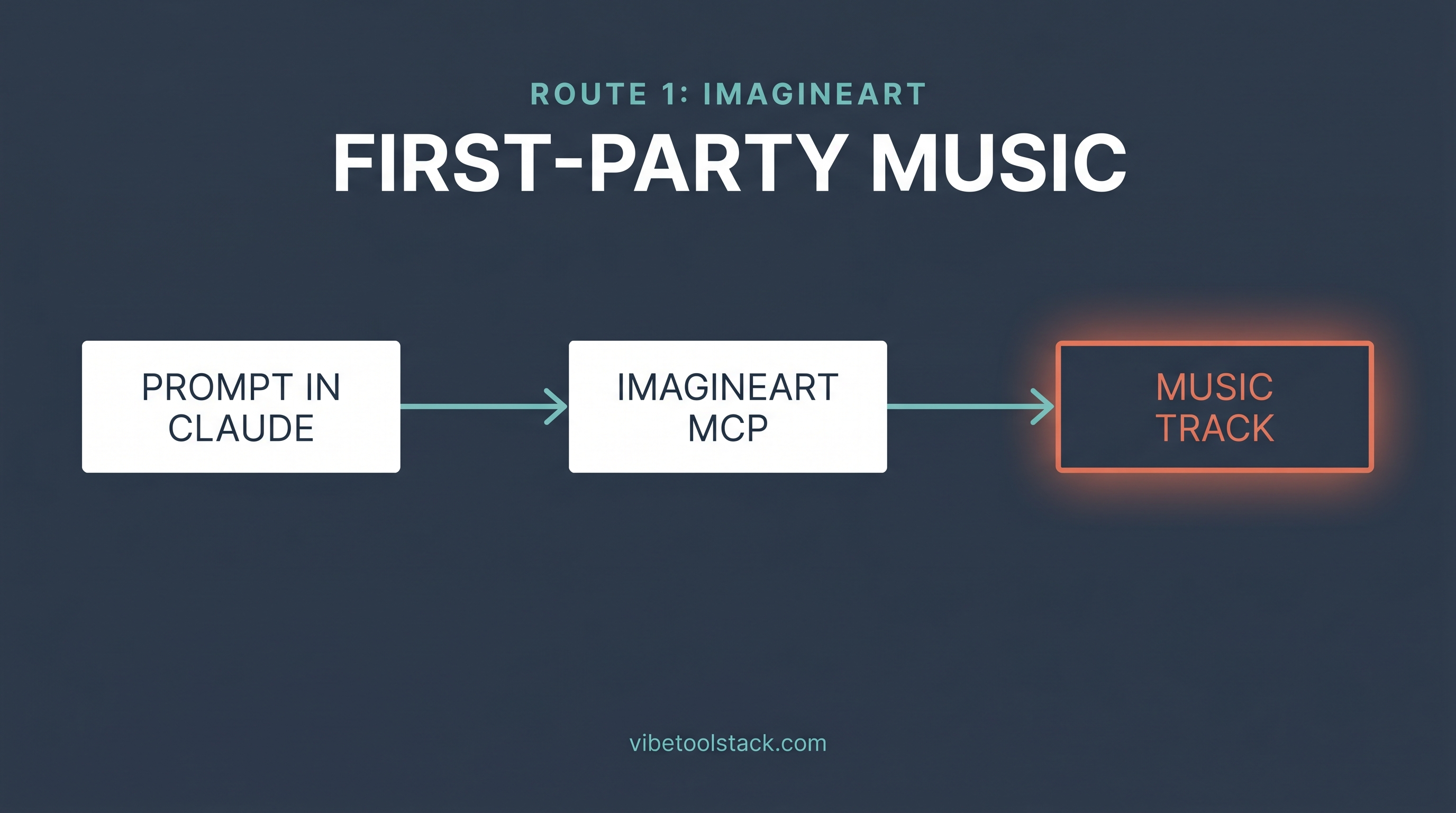
ImagineArt ships an official MCP server, and music generation is one of its six tools. Per the imagine.art MCP page, the connector exposes text to image, text to video, background removal, image upscale, music generation, and a balance check. The music tool returns, in ImagineArt's words, "Original audio tracks without a studio. Set the mood, tempo, and instruments in your prompt and get a production-ready track back in seconds."
This is the one music route in June 2026 that the vendor builds and maintains for Claude, which makes it the cleaner starting point for most people.
How to connect it
The imagine.art MCP page lists three steps. In Claude, open Settings, then Connectors, then Add custom connector. Name it Imagine MCP and paste the URL mcp.imagine.art. Click Add, then Connect, and sign in with your imagine.art account. No separate API key is required, since the connector uses your account credits directly.
For the full walkthrough with screenshots, we keep a dedicated guide at /blog/connect-imagineart-to-claude that covers the same connector for image and video as well as music.
Once connected, you ask Claude in plain language. Something like: make a 30-second lo-fi hip-hop track, mellow, with a soft piano lead and brushed drums. Claude calls the music tool and returns the audio.
Route 2: Suno through a community connector
Suno has no official Claude MCP of its own as of June 2026. The Suno-Claude link you will find is community-built. Third-party connectors such as the mcp-suno server (published on PyPI and listed in MCP marketplaces, most recently updated May 2026) call the Suno API on your behalf. They are actively maintained, but they are not Suno, and they require your own Suno API access plus a token you keep private.
Worth being blunt here: a community connector can break when the upstream API changes, and you are trusting third-party code with your token. That is the trade for reaching Suno's music model from Claude today.
What the Suno route gives you
Suno is built around songs with structure, including lyrics and vocals. The community connectors expose that: generate from a text prompt, supply custom lyrics, control style, extend a track from a timestamp, and create covers. If your goal is a song with words rather than an instrumental bed, this is where Suno pulls ahead.
How to set it up
Setup varies by connector, so follow the specific project's instructions rather than any command you find copy-pasted. The general shape: install or run the chosen MCP server, give it a Suno API token, and register it with Claude as an MCP connector. We are not reproducing a command here because the exact syntax differs between projects and dates quickly. Read the connector's own docs.
Prompt tips that work for both routes
Specific prompts beat vague ones. The model fills any gap you leave with its own defaults, and the defaults are generic.
Name the genre, the tempo or mood, the lead instrument, and the length. "Upbeat synthwave, around 110 BPM, bright arpeggiated lead, 45 seconds" gives the model far more to work with than "make something energetic."
For Suno specifically, decide whether you want vocals. If you do, write or ask Claude to draft lyrics first, then pass them in. If you want an instrumental, say so, or you may get a vocal line you did not plan for.
Iterate in small steps. Generate, listen, then change one thing: swap the lead instrument, drop the tempo, shorten the intro. Changing five things at once makes it hard to tell what improved.
Credits and what each route costs
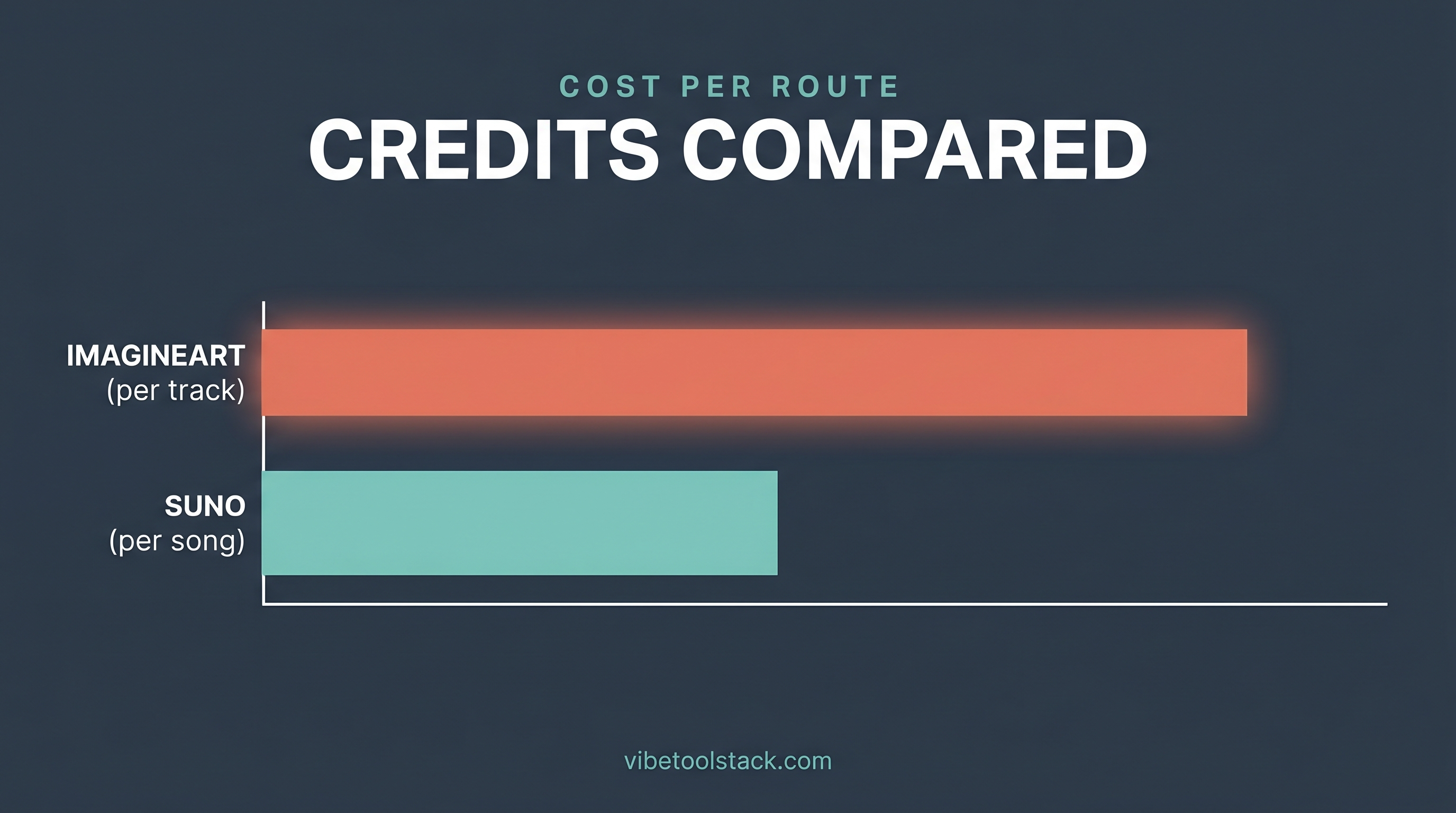
ImagineArt MCP draws on your imagine.art account credits. The same balance covers music, image, video, and the other tools, and you can ask the connector for your remaining balance and renewal date.
Suno prices in monthly credits, with rough song counts per tier (per suno.com/pricing, June 2026):
Two things stand out. The Suno Free plan blocks commercial use, so anything you publish or monetize needs Pro or Premier. And when you go through a community connector, you may also be paying for API access on top of the subscription, depending on how that connector authenticates.
Limits to know before you commit
No AI music tool is consent-clean for voice cloning or sample-style imitation, so do not prompt for a named artist's voice or a copyrighted track. That is a fast way to produce something you cannot legally use.
On the Suno route, the community-connector dependency is the real fragility. If the upstream API shifts or the maintainer steps back, the connector can stop working with no fix from Suno. Keep a fallback plan.
On the ImagineArt route, music is one tool inside a broader creative connector rather than a dedicated music studio, so deep music-specific controls (fine stem editing, long multi-section arrangements) are thinner than a music-first product. For short tracks and beds, that is rarely a problem.
And neither of these is a voiceover tool. If you actually want narration, that is a different job.
For the voice side of that table, we review the leading option at /tools/elevenlabs, which handles text-to-speech and voice cloning rather than music composition.
The bottom line
If you want AI music from Claude with the least friction in June 2026, start with the ImagineArt MCP. It is first-party, music is a built-in tool, setup is three steps, and one credit pool covers everything. If you specifically need Suno's song-with-lyrics output, the community-connector route reaches it, but accept that you are relying on third-party code and your own API token, and that it can break.
Pick ImagineArt for fast, supported tracks and beds. Pick the Suno route when full songs with vocals are the point and you can live with the maintenance risk. Either way, see the broader connector landscape at /blog/best-claude-creative-connectors before you wire up more than one.