
Making a voiceover from Claude means drafting the script in a chat with Claude, then handing that text to ElevenLabs to render as audio you can publish. Claude writes and edits the words. ElevenLabs turns them into a voice. You never open a recording booth.
This guide is about what to actually make: newsletter audio, YouTube narration, and short-form social voiceovers, start to finish. It does not cover wiring the two tools together.
If you still need the plumbing, the connect ElevenLabs to Claude walkthrough handles the connector setup and your first test render. Once that works, come back here for the production workflow.
How does the script-to-voiceover workflow run from Claude?
You draft and tighten the script inside Claude, then pass the final text to ElevenLabs to render. Four steps, in order:
1. Draft the script in Claude. Ask for a spoken-word version, not a written one. Spoken copy uses shorter sentences, fewer clauses, and reads cleanly aloud. Tell Claude the target length in minutes, not words, since pacing drives audio runtime.
2. Edit for the ear. Read it back and cut anything that trips the tongue. Numbers, acronyms, and brand names are where text-to-speech stumbles, so spell tricky ones phonetically in the draft if a test render mangles them.
3. Pick or clone a voice in ElevenLabs, then render. ElevenLabs reads the finished script and returns an audio file.
4. Publish. Drop the file into your newsletter, attach it to a video, or post it as social audio.
The render itself happens through the ElevenLabs connector you set up in the connect guide. The skill here is writing a script that sounds right read aloud, not the wiring.
The bottom line: Claude owns the words, ElevenLabs owns the voice, and the only real craft is writing for the ear instead of the eye.
Which voice should you pick, and when should you clone one?
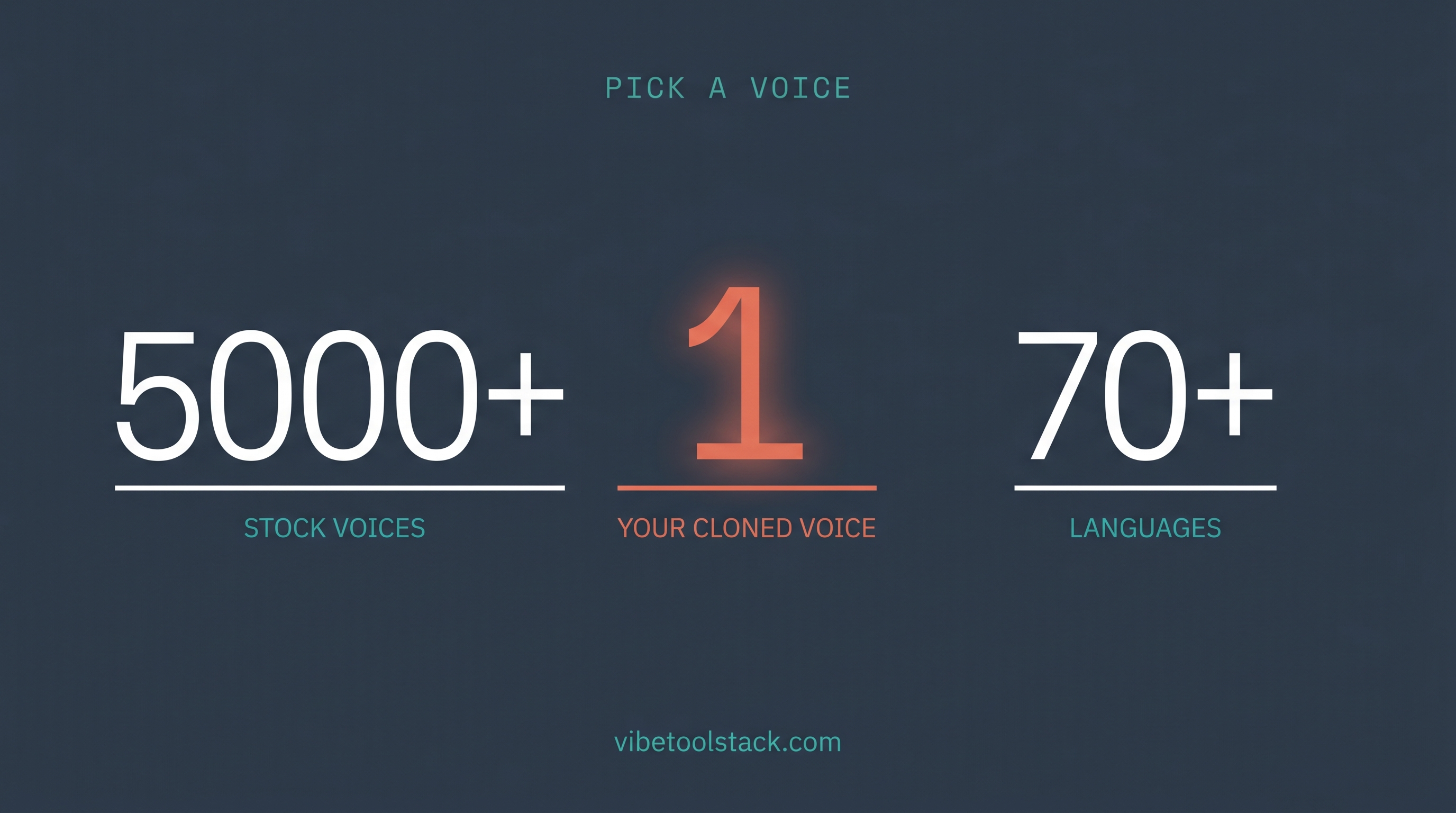
Pick a library voice for speed and a cloned voice for identity. ElevenLabs ships a Voice Library of 5,000+ voices across 70+ languages (verified June 2026, elevenlabs.io), sorted into categories like Narration, Conversational, Advertisement, and Social Media. For most projects a library voice gets you publishable audio in minutes.
Clone a voice when the audio needs to sound like a specific person. ElevenLabs lets you clone a replica of your own voice from a sample, design one from a text prompt, or browse the thousands already in the library (elevenlabs.io, June 2026). For a newsletter audio version, a clone of the author keeps the audio on-brand instead of sounding like a stock narrator.
ElevenLabs offers three text-to-speech models (June 2026): Eleven Flash for low-latency output, Eleven Multilingual for consistent quality across languages, and Eleven v3 for the most expressive delivery. For voiceovers where tone matters, v3 is the one to test first.
The bottom line: default to a library voice, clone when the audio carries your name, and reach for the multilingual model the moment a second language enters the picture.
What can you actually make with this workflow?
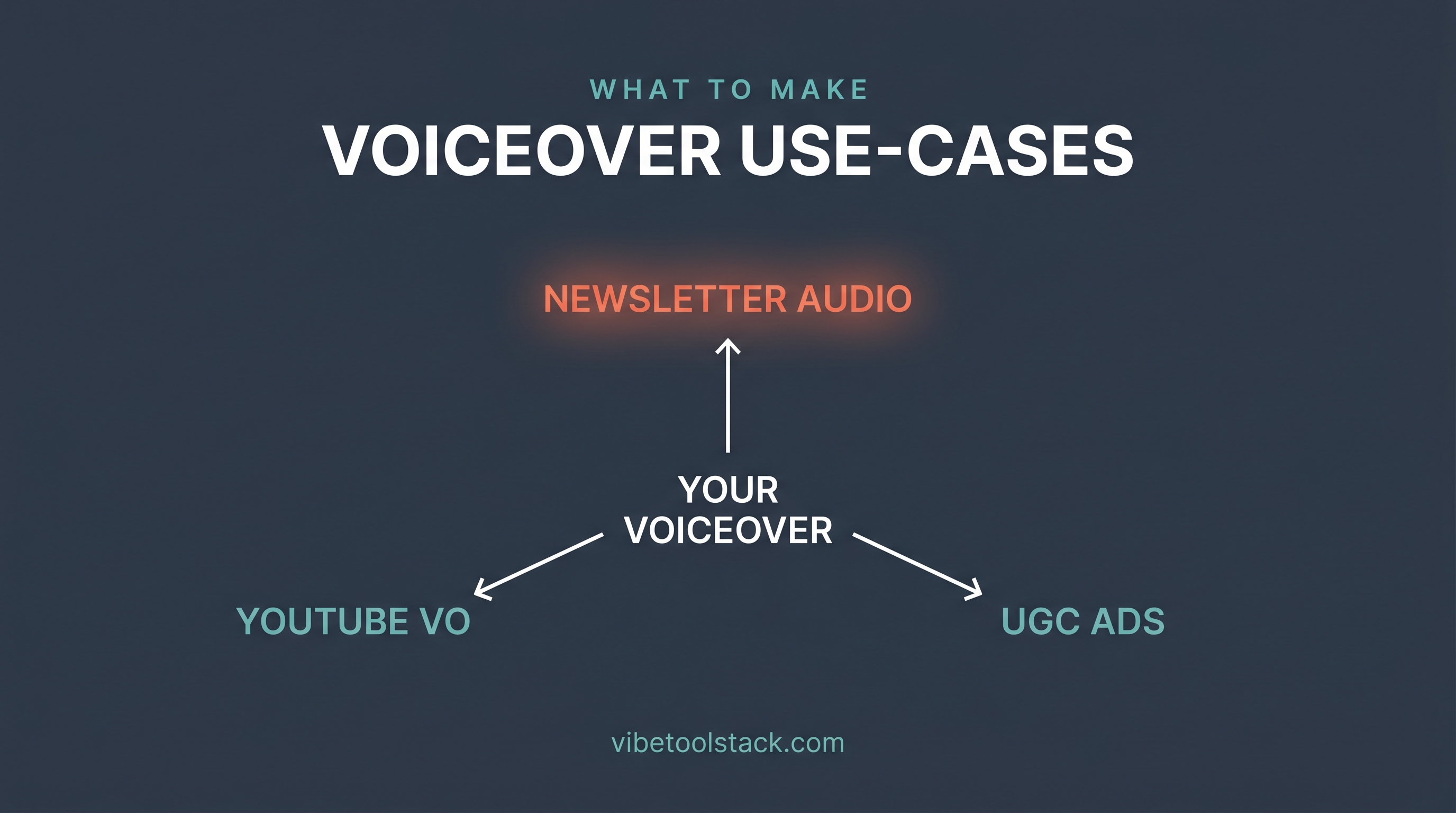
The strongest use cases for solo operators are newsletter audio, video narration, social voiceovers, and localized versions of content you already have. Each starts the same way: script in Claude, render in ElevenLabs.
Newsletter audio versions. Write the issue, ask Claude for a spoken-word edit, render it with a cloned voice, and ship the file as an MP3 or embed. Readers who commute get the issue without you recording anything.
YouTube and video narration. Claude drafts the voiceover script to a target runtime; ElevenLabs renders it; you lay it over the footage. Useful for faceless channels and explainer content where the visuals carry and the voice guides.
Short-form social and UGC-style voiceovers. Render quick voice tracks for TikTok, Reels, or Shorts. The Social Media voice category exists for exactly this register (elevenlabs.io, June 2026).
Localized versions of existing content. Take an English script, have Claude translate it, and render it in another language with a matching voice. ElevenLabs covers 70+ languages, so one tool handles the whole set. For lip-synced video specifically, ElevenLabs also ships Dubbing v2, though that is a different workflow than rendering a fresh script.
The bottom line: if the content already lives as text, this workflow turns it into audio without a microphone, and newsletter audio is the fastest win.
How do you keep quality high without burning credits?
Lock the script before you render, because ElevenLabs bills by characters and every re-render of a long script spends the quota again. A few habits keep cost down and quality up:
Finalize the words in Claude first. Do all your editing as text, where changes are free. Only render once the script is final.
Test on a short sample. Render the first paragraph, check pronunciation and pacing, fix the script, then render the full piece once.
Fix pronunciation in the text, not in post. If ElevenLabs mangles a name or acronym, respell it phonetically in the script and re-render that line rather than editing the audio file afterward.
Pick the model to the job. Eleven Flash is cheaper to iterate on for drafts; switch to v3 for the final, expressive render.
The bottom line: treat rendering as the last step, not the editing loop, and the character-based pricing stays friendly.
When is ElevenLabs the right choice, and when is it not?
ElevenLabs fits when output quality and multilingual coverage matter more than rendering cost at scale. It is the voice you reach for when the audio is going in front of an audience and cannot sound robotic.
For the full feature and pricing breakdown, our ElevenLabs review covers where it wins and where it gets expensive. If you are weighing the broader set of tools you can drive from Claude, the best Claude creative connectors roundup maps the options.
The bottom line: ElevenLabs is the pick for published, multilingual voiceovers. For bulk long-form audio or free quick tests, the pricing math points elsewhere.
Bottom line
Drafting voiceovers from Claude is a two-tool loop: Claude writes the script for the ear, ElevenLabs renders it into voice. The whole skill is writing spoken-word copy, choosing the right voice, and locking the script before you spend credits on a render.
Wire the two together once with the connect ElevenLabs to Claude guide, then this workflow turns any newsletter, video, or post you already have into audio without a microphone.