
Voice coding is the practice of building software by speaking instead of typing: dictating prompts to an AI coding assistant like Claude or Cursor, talking out commit messages and docs, and using voice-to-text to drive the parts of the job that are really just writing. For most builders in 2026 it does not mean barking syntax at the editor. It means speaking the natural-language parts of the work and letting the keyboard handle the rest.
The pitch is speed. You think faster than you type, and you can speak faster than both. The catch is that not every part of coding is words, and voice does nothing for the parts that are not. This is the honest version: what voice coding is good at, where it falls flat, and which tool to start with.
What is voice coding?
Voice coding is using speech as the input method for software work. Two flavors exist. The first is voice-to-text dictation that types for you anywhere: you speak, polished text lands in whatever app has focus, including your editor, terminal, or chat. The second is true speech-to-code, where spoken commands edit code structurally ("add a function", "delete line", "go to the end of the file"). As of June 2026 the dictation flavor is what most builders actually use, because the AI assistant on the other end (Claude, Cursor) already turns a plain-English request into code. Tools like Wispr Flow sit in the dictation camp; Serenade sits in the speech-to-code camp.
The speed gap is the whole reason this exists. Wispr Flow markets dictation at 220 words per minute against 45 words per minute for typing, which it frames as roughly 4x faster (per wisprflow.ai, as of June 2026). Independent numbers land in the same range: developer Zachary Proser publishes a "voice-coding velocity" stat of 184 words per minute on zackproser.com (as of June 2026). Treat vendor speed claims as a ceiling, not your average. Real output depends on how much of your work is actually prose.
That last point matters more than the raw number. You are not writing prose all day. You are reading code, navigating files, debugging, and thinking. Voice speeds up the writing-shaped parts, and there are more of those than people expect once AI assistants entered the loop, because so much of vibe coding is describing what you want in sentences.
How does coding by voice actually work?
You install a dictation tool that runs system-wide, then hold a hotkey (or toggle one) and talk. The text appears wherever your cursor is. There is no special "code mode" for the dictation tools. The same keypress that dictates a Slack message dictates a prompt into Cursor's chat panel. Here is where it earns its keep across a normal builder day.
Dictating prompts to Claude and Cursor
This is the biggest win. A good prompt is a paragraph of plain English describing intent, constraints, and edge cases. Typing that paragraph is slow; speaking it is fast and you tend to include more context because talking is cheap. You hold the hotkey, describe the feature or the bug, release, and the prompt is sitting in the chat box ready to send. The AI writes the code. You never touched syntax.
Writing commit messages and docs
Commit messages, PR descriptions, code comments, and README sections are all prose. Voice handles them well, and the auto-formatting in modern dictation tools cleans up filler so "um, this fixes the, uh, race condition in the auth handler" comes out as a clean sentence. Wispr Flow advertises AI auto-edits that strip filler words and typos while keeping your phrasing (per wisprflow.ai, as of June 2026).
Talking through Slack, email, and issues
Most of a builder's typing is not code at all. It is coordination: Slack threads, GitHub issues, customer email, standup updates. Voice clears this backlog fast because it is all natural language, and it works in any app rather than just the editor.
Structural speech-to-code (the harder path)
Editing code structurally by voice is a different skill. Serenade is built for it: per serenade.ai (as of June 2026) it lets you "write code using natural speech" with commands instead of dictation, supports editors like VS Code and IntelliJ and languages including Python, JavaScript, and TypeScript, runs locally or in the cloud, and is open source. It has a learning curve. You memorize a command grammar. For hands-free editing it is powerful; for most builders the dictate-a-prompt-to-AI loop gets there faster.
Who should code by voice, and who shouldn't?
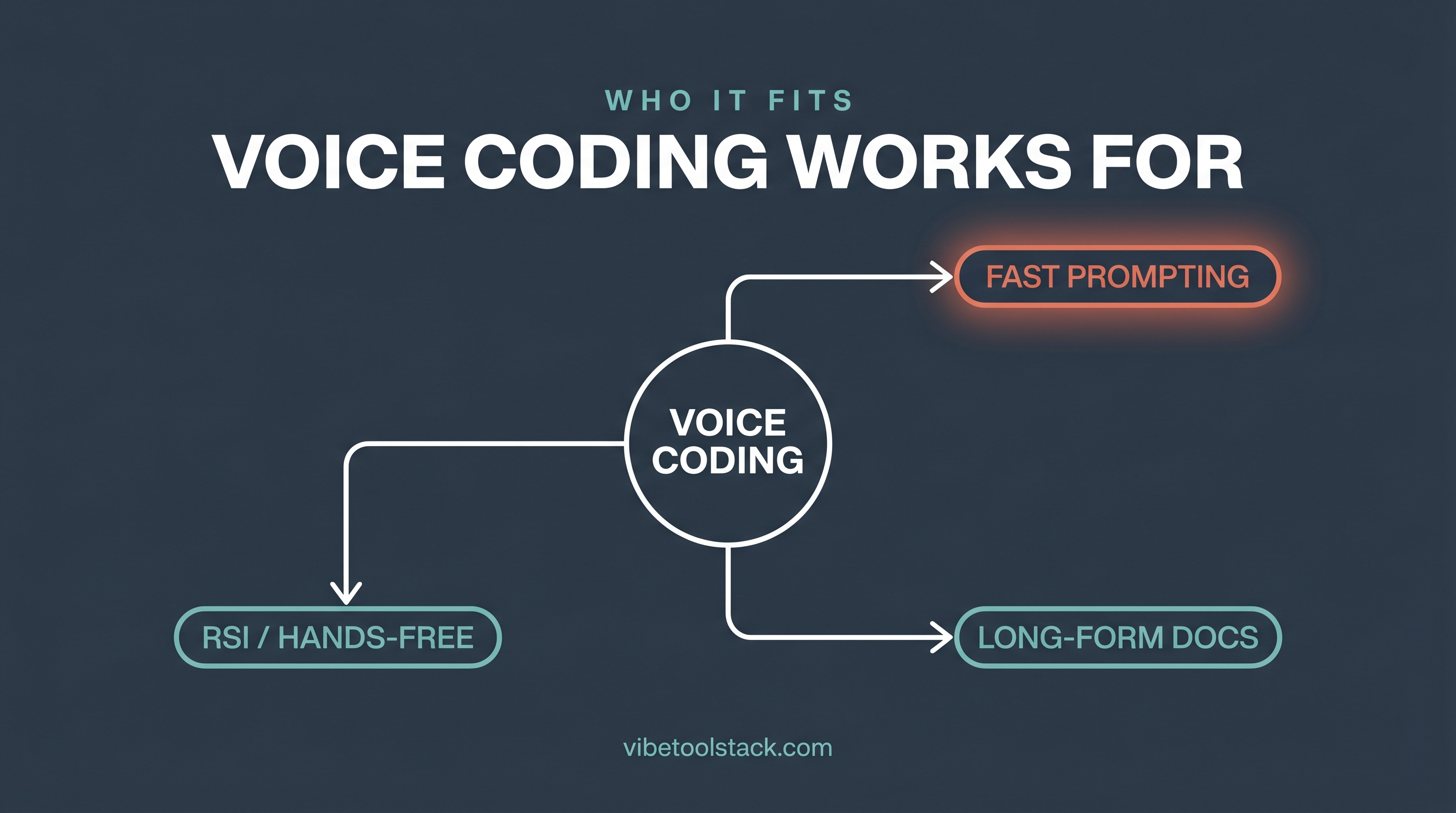
Voice coding fits people whose constraint is their hands or their typing speed, and it fits the way you think out loud. It does not fit quiet rooms, dense-syntax work, or anyone who edits faster than they talk.
It fits you if:
You have RSI, wrist pain, or any repetitive-strain issue. This is the strongest case. Voice removes keystrokes from the day, and for some builders it is the difference between shipping and resting. You multitask or pace while thinking. Talking through a problem while walking the room beats hunching over a keyboard. You are a fast talker and a slow typist. The speed gap is real if your hands are the bottleneck. You do a lot of AI-assisted building, where the job is mostly describing intent in sentences and letting Claude or Cursor write the code.
It doesn't fit you if:
You work in an open office or shared space where talking constantly is rude or impossible. You write dense, symbol-heavy code by hand (regex, complex math, terse functional code) where dictation fights you more than it helps. You are already a 100-plus-WPM typist who edits at the speed of thought, in which case the gain is marginal. You need silence to concentrate and narrating breaks your focus.
The honest read: voice is a tool for specific jobs, not a wholesale replacement for the keyboard. The builders who get the most from it use it for prompts, prose, and coordination, and keep typing for the fiddly structural edits.
Voice coding tools compared
The three tools below cover the realistic range as of June 2026: a dictation default that works everywhere, a speech-to-code engine for structural editing, and a power tool for full hands-free control. The table maps each to what it does and who it fits.
| Tool | Type | Best for | Platforms | Learning curve |
|---|---|---|---|---|
| Wispr Flow | Dictation (voice-to-text anywhere) | Prompts, commits, docs, Slack; AI-assisted building | Mac, Windows, iOS, Android | Low |
| Serenade | Speech-to-code (structural commands) | Hands-free structural editing, open source | Mac, Windows, Linux | Medium-High |
| Talon | Full voice control (system + code) | Power users, full hands-free, accessibility | Mac, Windows, Linux | High |
Which voice coding tool should you start with?
Start with Wispr Flow if your goal is to speed up the writing-shaped parts of building: prompting Claude and Cursor, commit messages, docs, and chat. It runs system-wide on Mac, Windows, iOS, and Android (per wisprflow.ai, as of June 2026), the auto-formatting cleans up your phrasing, and there is nothing to learn beyond holding a hotkey. For the AI-assisted builder this is the lowest-friction entry point, and it is the one we recommend as the default.
Choose Serenade if you want to edit code structurally by voice and you are willing to learn its command grammar. It is open source and runs locally, which also makes it the pick when keeping source code on-device matters.
Reach for Talon if you need full hands-free control of the whole machine, not just the editor. It is the deepest accessibility tool here and the most-used option among builders who code entirely without a keyboard, and it carries the steepest setup of the three.
If you are still deciding between dictation apps specifically, we ranked them by use-case fit in our best AI dictation apps guide, and the full breakdown of the default pick is in our Wispr Flow review.
The bottom line
Voice coding means building software by speaking the natural-language parts of the work: dictating prompts to Claude or Cursor, writing commits and docs out loud, and clearing the Slack-and-email coordination backlog by talking. The speed case is real (Wispr Flow cites 220 wpm against 45 wpm typing; zackproser.com publishes 184 wpm voice-coding velocity, both as of June 2026), but only for the writing-shaped parts. Voice does nothing for reading code or dense structural edits.
It fits builders with RSI, fast talkers, multitaskers, and anyone doing heavy AI-assisted building. It does not fit open offices, symbol-dense code by hand, or fast typists who edit at the speed of thought. For most people the place to start is Wispr Flow for everyday dictation, with Serenade or Talon reserved for full hands-free or accessibility needs. Try one for a week on prompts and commits before you decide it is for you.
Vibetoolstack reviews tools we'd recommend to readers building toward $10k/mo of independent income. Where an affiliate program exists and we participate, the link is marked. Where not, links are editorial. The verdict above doesn't depend on affiliate status.
Frequently Asked Questions
What is voice coding?
Voice coding is building software by speaking instead of typing. In practice that usually means dictating prompts to an AI assistant like Claude or Cursor, talking out commit messages and docs, and using voice-to-text for the writing-shaped parts of the job. A separate, harder flavor is speech-to-code, where spoken commands edit code structurally.
Can you really code faster by voice?
You can write the prose-shaped parts faster. Wispr Flow cites dictation at 220 words per minute against 45 for typing, and developer Zachary Proser publishes a 184-word-per-minute voice-coding velocity (both per their sites, as of June 2026). Voice does not speed up reading code, debugging, or navigating files, so your real gain depends on how much of your work is actually writing.
What is the best tool for voice coding?
Wispr Flow is the best starting point for most builders because it dictates anywhere with low setup, which suits prompting Claude and Cursor, commits, and docs. Serenade is better if you want to edit code structurally by voice and is open source. Talon is the pick for full hands-free control and accessibility.
Is voice coding good for RSI or wrist pain?
Yes, this is the strongest case for it. Voice removes keystrokes from the day, which is why tools like Serenade and Talon are marketed around RSI prevention and accessibility. For builders managing wrist pain, voice can be the difference between shipping and resting.
Do I dictate actual code syntax, or plain English?
For most builders in 2026 it is plain English. You dictate a natural-language prompt and an AI assistant like Claude or Cursor writes the code. Dictating raw syntax (brackets, semicolons, camelCase) is slow and frustrating, which is why the dictate-a-prompt loop has largely replaced it. Structural speech-to-code tools like Serenade use spoken commands rather than literal syntax.
Does voice coding work with Cursor and Claude?
Yes. A system-wide dictation tool types into any app, including Cursor's chat panel and Claude. You hold a hotkey, speak your prompt, release, and the text lands in the chat box ready to send. Per wisprflow.ai (as of June 2026), Wispr Flow explicitly supports VS Code, Cursor, and similar editors.
Who should not use voice coding?
People in open offices or shared spaces where talking constantly is impractical, builders who write dense symbol-heavy code by hand, fast typists who already edit at the speed of thought, and anyone who needs silence to concentrate. Voice is a tool for specific jobs, not a wholesale keyboard replacement.
What is the difference between Wispr Flow and Serenade?
Wispr Flow is dictation: it turns speech into text in any app, so you use it to prompt AI, write commits, and clear chat. Serenade is speech-to-code: it edits code structurally with spoken commands, runs locally or in the cloud, and is open source (per serenade.ai, as of June 2026). Wispr Flow has a low learning curve; Serenade asks you to learn a command grammar.
Is there a free way to try voice coding?
Yes. Serenade is free to download and open source, and Talon has a free tier. Wispr Flow offers a free trial of Flow Pro with no card required at signup (per wisprflow.ai, as of June 2026). macOS and Windows also ship built-in dictation you can test the basic idea with before committing to a dedicated tool.
Does voice coding only work on Mac?
No. Wispr Flow runs on Mac, Windows, iOS, and Android (per wisprflow.ai, as of June 2026). Serenade and Talon both support Mac, Windows, and Linux. Cross-platform coverage is standard among the main voice coding tools as of June 2026.
Can voice coding replace typing entirely?
For some accessibility users, yes, using a full voice-control tool like Talon. For most builders, no. The realistic pattern is voice for prompts, prose, and coordination, and the keyboard kept for fiddly structural edits and dense syntax. Treat it as a second input method, not a replacement.