
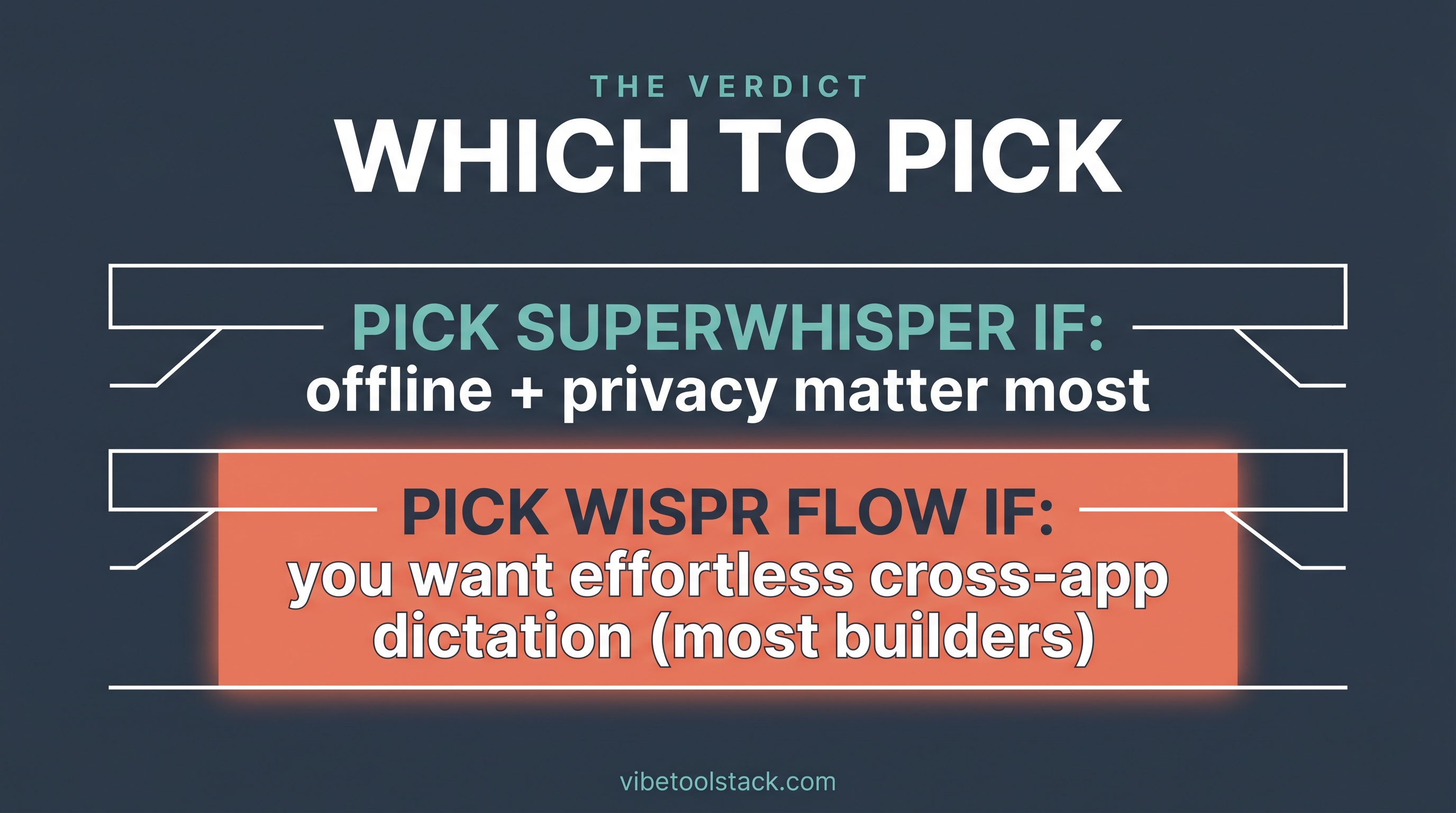
Superwhisper and Wispr Flow are both AI voice-to-text apps that let you speak instead of type across your apps, but they split on one decision: Superwhisper can run fully on-device and offline for privacy, while Wispr Flow leans on cloud processing for cleaner cross-app formatting and runs on more platforms. As of June 2026, pick Superwhisper if local and offline transcription is the priority, and Wispr Flow if you want the smoothest flow across every app on Mac, Windows, and mobile.
At a glance: Superwhisper vs Wispr Flow
The table below is the quick spec read. The verdict and the who-fits routing follow it.
| Spec | Superwhisper | Wispr Flow |
|---|---|---|
| What it is | AI voice-to-text with on-device option | AI voice dictation built for cross-app flow |
| Processing | Local on-device models (Apple Silicon) plus optional cloud models; works offline | Cloud-based processing for auto-formatting and sync |
| Offline use | Yes, with local models | No, needs a connection |
| Platforms | macOS, Windows, iOS | macOS, Windows, iPhone (Android in early access) |
| Auto-formatting | Yes, via AI model modes | Yes, removes filler words and fixes errors automatically |
| Cross-app insert | Yes, across apps | Yes, designed around it (Slack, Gmail, VS Code, etc.) |
| Personalization | Model modes, custom vocab | Personal dictionary plus snippet library |
| Languages | 100+ languages and dialects | 100+ languages with auto-detection |
| Pricing | Free tier plus paid Pro and Enterprise (check superwhisper.com for current figures) | Free trial of Flow Pro, then paid (check wisprflow.ai for current figures) |
| Affiliate | Editorial, no partnership | Affiliate partner |
| Best for | Privacy, offline, local processing | Cross-app flow, polish, multi-platform |
How they process speech: local vs cloud
This is the real fork between them. Superwhisper can run transcription on-device with local models, which Apple Silicon Macs handle well, and it keeps working with no connection. Per superwhisper.com (as of June 2026), it works offline so you can transcribe with no Wi-Fi, and it also offers cloud model options for people who want them. For anyone who does not want voice audio leaving their machine, the local path is the headline feature.
Wispr Flow runs through the cloud. Its site (as of June 2026) describes data syncing across devices and on-the-go use, which points to cloud infrastructure rather than on-device transcription. The trade-off is intentional: cloud processing is what powers its auto-editing, the part that strips filler words and fixes errors before the text lands in your app. You give up offline use and local-only privacy, and in return the inserted text tends to need less cleanup.
Bottom line on processing: Superwhisper is the private, offline-capable choice; Wispr Flow trades that for a cleaner, more polished cross-app result. If your work touches sensitive material or you transcribe on planes and in dead zones, that difference decides it.
Platforms: where each one runs
Wispr Flow covers more surfaces. Both apps run on macOS and Windows. Wispr Flow also ships a native iPhone app with Android in early access (as of June 2026), so it follows you onto mobile. Superwhisper runs on macOS, Windows, and iOS. If you dictate across a phone and a laptop all day, Wispr Flow has the broader native footprint, and its strongest local model story is on Apple Silicon for Superwhisper.
Accuracy and cross-app flow
Both are accurate; Wispr Flow optimizes harder for the moment after you stop talking. Superwhisper leans on swappable AI model modes and custom vocabulary to shape output, and on Apple Silicon the local models are the draw. Wispr Flow markets transcription quality over raw speed, with auto-editing, a personal dictionary that learns your names and terms, and a snippet library for voice shortcuts. Its site claims 220 words per minute in Flow versus 45 wpm typing (as of June 2026).
Our own data point is on the Wispr Flow side. One of us has run Wispr Flow on Mac for six months, dictating roughly 750,000 words at a measured 143 words per minute, and rates it the best voice-to-text app we have used for team chat and for prompting AI tools. We have not run Superwhisper hands-on, so its strengths here are reported from superwhisper.com rather than from our own testing. For the full write-up of the Wispr Flow setup, see our Wispr Flow review.
Pricing: what each costs
Both offer a no-cost way in, then charge for the full version. Superwhisper has a free tier plus paid Pro and Enterprise plans, per superwhisper.com (as of June 2026). Wispr Flow offers a free trial of Flow Pro with no card required, then moves to paid, per wisprflow.ai. Exact figures shift, so confirm current prices on each vendor page before you decide. For most builders the cost gap is small enough that the local-vs-cloud question matters more than the price.
Which should you pick?
Pick Superwhisper if privacy or offline use is non-negotiable: it can transcribe on-device with local models and keeps working with no connection, which makes it the better fit for sensitive material or a Mac-first, Apple-Silicon workflow. Pick Wispr Flow if you want the smoothest cross-app flow, the cleaner auto-formatted output, and native apps across Mac, Windows, and mobile. For most builders we recommend Wispr Flow, because the polish and the multi-platform reach win out for daily writing across chat, docs, and AI prompts.
The bottom line
Superwhisper wins on privacy, offline use, and local on-device processing. Wispr Flow wins on cross-app flow, output polish, and platform coverage, and it is our pick for most builders. If your priority is keeping audio on your machine, go Superwhisper. If your priority is dictating fast and clean everywhere you work, go Wispr Flow. To go deeper, read our Wispr Flow review, the broader best AI dictation apps roundup, and our Wispr Flow alternatives guide.
Vibetoolstack reviews tools we would recommend to readers building toward $10k/mo of independent income. Where an affiliate program exists and we participate, the link is marked. Where not, links are editorial. The verdict above does not depend on affiliate status.
Frequently Asked Questions
What is the difference between Superwhisper and Wispr Flow?
The core difference is processing. Superwhisper can transcribe on-device with local models and works offline, which favors privacy. Wispr Flow runs through the cloud for cleaner auto-formatted output and cross-app flow. Both are AI voice-to-text apps that insert text into whatever app you are in.
Is Superwhisper or Wispr Flow more private?
Superwhisper is the more private option because it can run transcription on-device with local models, so audio does not have to leave your machine, per superwhisper.com (as of June 2026). Wispr Flow uses cloud processing, which means audio is sent off-device for transcription and formatting.
Does Superwhisper work offline?
Yes. Superwhisper works offline using local models, which run well on Apple Silicon Macs, per superwhisper.com (as of June 2026). Wispr Flow needs a connection because it processes in the cloud.
What platforms do Superwhisper and Wispr Flow support?
Both run on macOS and Windows. Superwhisper also runs on iOS. Wispr Flow ships a native iPhone app with Android in early access, giving it the broader mobile footprint as of June 2026.
Which is faster, Superwhisper or Wispr Flow?
Both are far faster than typing. Wispr Flow claims 220 words per minute in Flow versus 45 wpm typing on wisprflow.ai (as of June 2026). In our own six months on Wispr Flow we measured a sustained 143 words per minute, well above keyboard speed. We have not benchmarked Superwhisper hands-on.
Is Wispr Flow good for coding and prompting AI?
Yes. Wispr Flow works across apps including VS Code and AI chat tools, and in our own use over six months and roughly 750,000 words it was the best voice-to-text app we have used for team chat and for prompting AI tools. Superwhisper also targets coding workflows in apps like Cursor, per superwhisper.com.
How much do Superwhisper and Wispr Flow cost?
Both have a free way to start. Superwhisper has a free tier plus paid Pro and Enterprise plans. Wispr Flow offers a free trial of Flow Pro with no card required, then paid plans. Exact prices change, so confirm current figures on superwhisper.com and wisprflow.ai before deciding (as of June 2026).
Should I use Superwhisper or Wispr Flow?
Use Superwhisper if privacy, offline use, or local on-device processing is the priority. Use Wispr Flow if you want cleaner cross-app output and native apps on Mac, Windows, and mobile. For most builders we recommend Wispr Flow because of its polish and platform reach.
Are there other voice-to-text apps to consider?
Yes. Aqua Voice, MacWhisper, WillowVoice, the built-in macOS dictation, and accessibility-focused tools like Talon are all worth a look depending on your needs. Our best AI dictation apps roundup and our Wispr Flow alternatives guide cover how they compare.